
how to use xbox game pass pc comes down to three things: having the right subscription, signing into the right Microsoft/Xbox account, and installing games through the Xbox app on Windows.
If you have ever subscribed and then stared at a “Where are the games?” screen, you are not alone. Game Pass on PC is simple once the pieces line up, but small details like account mix-ups, Windows updates, or install location settings can make it feel messy.
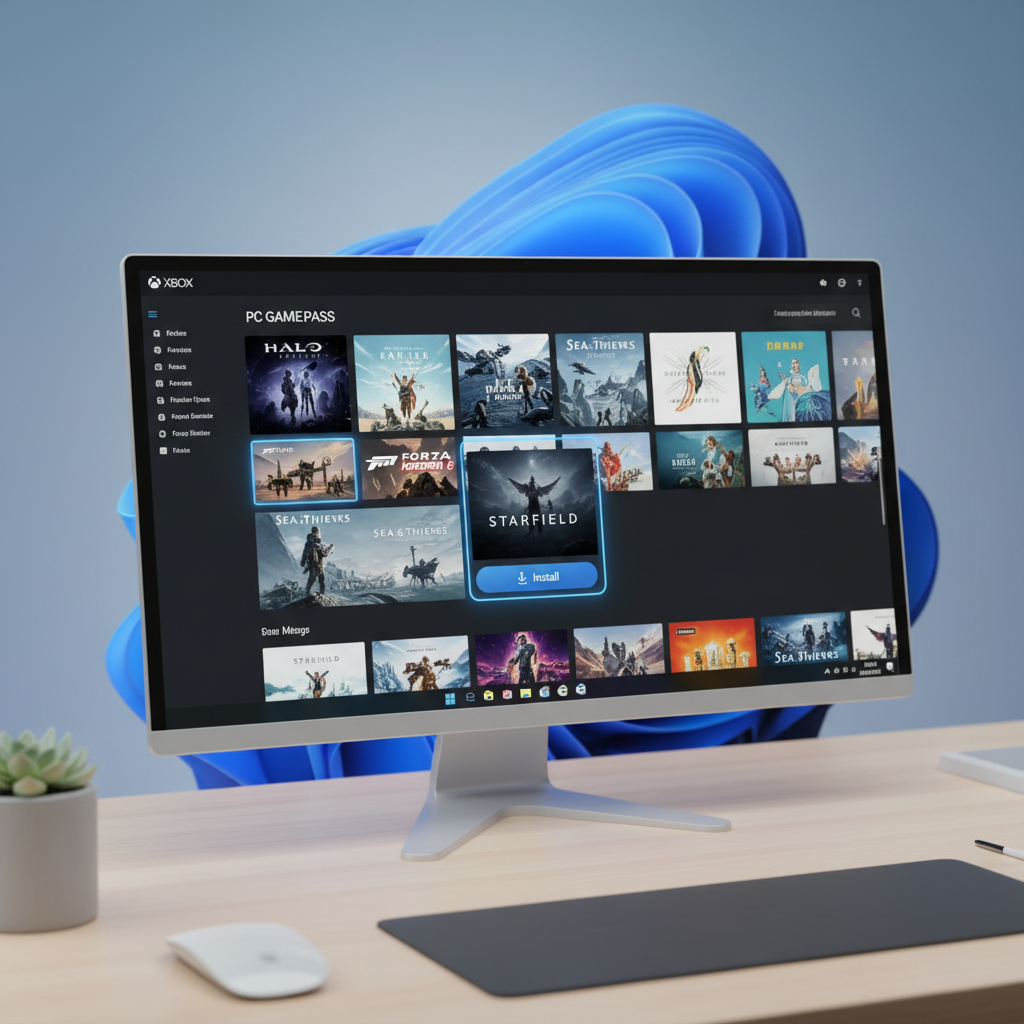
This guide focuses on practical steps: what to subscribe to, how to set up the apps, how installs and cloud gaming work, and the fixes that usually solve the annoying errors. I will also call out a few common misconceptions so you do not waste time.
Pick the right subscription (PC Game Pass vs Ultimate)
Before you troubleshoot anything, confirm you are using a plan that actually includes PC games. “Game Pass” can mean a few different products, and the names are close enough to confuse anyone.
Quick comparison table
| Plan | Includes PC Game Pass library | Cloud gaming (Xbox Cloud Gaming) | EA Play on PC | Best for |
|---|---|---|---|---|
| PC Game Pass | Yes | No (typically) | Yes | PC-only players who download games |
| Game Pass Ultimate | Yes | Yes | Yes | PC + Xbox, or you want cloud gaming |
| Game Pass for Console | No | No (typically) | No | Console-only |
Small but important: If you want to stream games on PC without installing them, you usually need Ultimate because cloud gaming is tied to that tier.
Account matters more than people expect
Many “it says I’m not subscribed” problems happen because you bought the subscription on one Microsoft account and signed into the Xbox app with another. If you use multiple emails (work, school, old Hotmail), double-check you are consistent everywhere.
Set up your PC once, then forget about it
Most of the heavy lifting is a one-time setup: Windows updates, Xbox app, Microsoft Store sign-in, and gaming services components. When those are aligned, using the service becomes routine.
What to install or update
- Windows updates: Stay current, because the Xbox app and Gaming Services depend on system components.
- Xbox app for Windows: This is the main hub for browsing and installing.
- Microsoft Store: It quietly handles licensing and updates for many titles.
- Gaming Services: Required for installs and launching many games.
Choose a smart install drive (and avoid future headaches)
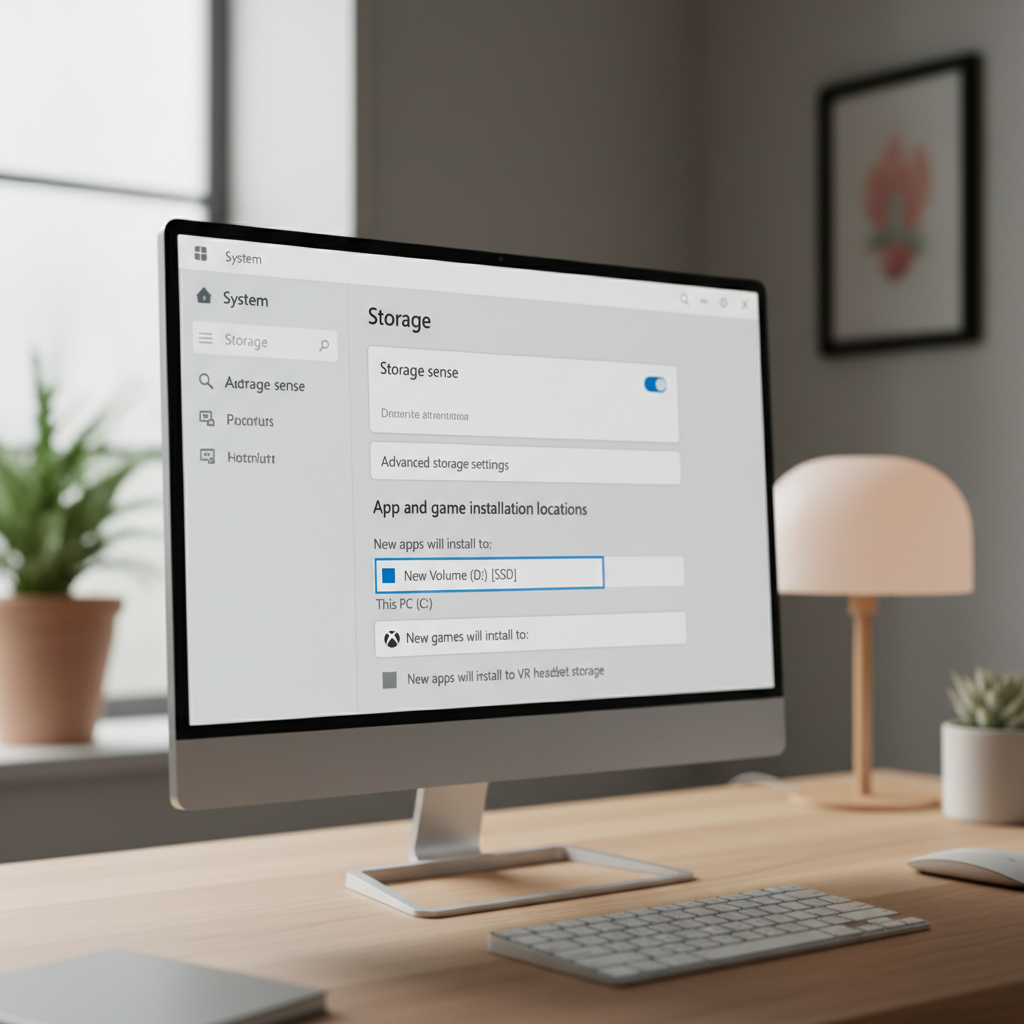
If you have a small C: drive, decide now where games should install. Big releases can exceed 100GB, and moving them later is possible but not always smooth.
- If you have an SSD and an HDD, put newer games on the SSD for faster loading.
- Keep at least some free space on your system drive; Windows still needs room for updates and caches.
- In the Xbox app settings, confirm the default install location matches your plan.
How to find, install, and launch games in the Xbox app
Once you understand the flow, how to use xbox game pass pc day-to-day is basically: browse, install, play, update. The Xbox app is the front door, even though Microsoft Store often works behind the scenes.
Install steps that usually work cleanly
- Open the Xbox app and sign in.
- Go to Game Pass or use Search.
- Pick a game, check required storage and system requirements.
- Select Install, confirm the drive.
- Launch from the Xbox app when download completes.
Key point: updates come from two places
Some games update inside the Xbox app, others prompt updates through Microsoft Store. If a title refuses to update, opening Microsoft Store and checking “Library” can save time.
Cloud gaming on PC: when it helps, when it disappoints
If you have Ultimate, cloud gaming can be a great way to test a game before committing storage, or to play on a laptop that cannot run demanding titles.
According to Xbox Support, cloud gaming requirements include a supported browser or the Xbox app and a stable internet connection, and performance can vary based on network conditions.
What cloud gaming is good for
- Trying new games quickly, especially huge installs
- Playing on lower-spec PCs where installs would struggle
- Jumping in for short sessions without managing updates
What to watch out for
- Latency: Competitive shooters and rhythm games can feel off if your connection is not consistent.
- Wi‑Fi quality: Many “cloud is bad” complaints are really router placement or congestion.
- Audio/video hiccups: Background downloads can cause stutters.
EA Play, Ubisoft, and “extra launchers”: what’s normal
Some Game Pass PC titles require an additional launcher, and that is not always obvious from the store page. This is where many people decide the service is “broken,” when it is really an account-linking step.
EA Play on PC
PC Game Pass typically includes EA Play on PC, but you still need the EA app and you may need to link your Xbox and EA accounts. If you see an EA login prompt, that is expected.
Ubisoft titles
Some Ubisoft games can require Ubisoft Connect and a linked account. If the game page mentions a third-party account, take it seriously; otherwise you may install successfully and then fail at launch.
Troubleshooting: fast checks before you reinstall everything
When people search how to use xbox game pass pc, they are often really searching “why won’t this game install or launch.” Try these quick checks in order; they solve a lot of cases without drama.
Self-check list (2 minutes)
- Subscription: Confirm PC Game Pass or Ultimate is active on the account you are signed into.
- Same account: Xbox app and Microsoft Store use the same login.
- Windows time/date: Incorrect system time can cause sign-in and license issues.
- Storage: Enough free space on the target drive and system drive.
- Updates: Windows, Xbox app, Microsoft Store updates installed.
Fixes that typically help
- Sign out of the Xbox app and Microsoft Store, then sign back in.
- Open Microsoft Store > Library, run updates for Gaming Services and the Xbox app.
- Restart the PC after updates, even if Windows does not beg you to.
- Change install drive in Xbox app settings if the current drive has permission issues.
- If a specific game fails, try installing a different small title to see if the issue is global or game-specific.
When you should consider deeper help
If you consistently see errors tied to corrupted Windows components, repeated Gaming Services failures, or you suspect disk health problems, it may be time to contact Microsoft/Xbox support or a local PC technician. Hardware issues and OS corruption are real, and guessing can waste a weekend.
Practical tips to get more value (and fewer surprises)
Game Pass feels like a deal when you use it intentionally, and it feels expensive when you subscribe and forget. A little habit-building helps.
- Use “Play Later” or a shortlist: Treat it like a queue, not a buffet you will “someday” finish.
- Check leaving-soon sections: Titles rotate, so prioritize games that may exit the catalog.
- Try before you commit storage: If you have Ultimate, stream first, then install if you like it.
- Controller vs mouse: Many PC titles support both, but comfort matters; test input settings early.
Conclusion: a simple routine makes Game Pass PC painless
how to use xbox game pass pc is easiest when you treat it like a system: one subscription, one primary account, Xbox app for browsing, Microsoft Store for behind-the-scenes updates, and cloud gaming only when your connection supports it.
Action ideas: verify you are signed into the same account in Xbox app and Microsoft Store, then install one small game first to confirm everything works before downloading a 100GB title.
FAQ
Why does the Xbox app say I need to join Game Pass even though I already paid?
Most of the time it is an account mismatch. Check that the Microsoft Store and the Xbox app use the same email, then sign out and back in. If you manage multiple Microsoft accounts, this is the number-one culprit.
Do I need Game Pass Ultimate to play PC games?
No, PC Game Pass usually covers the PC library. Ultimate becomes relevant if you also want cloud gaming or you use both PC and an Xbox console regularly.
Can I play Game Pass PC games offline?
Many games support offline play for a period, but licensing checks and some titles require internet. If you travel, launch games once while online and confirm they run before you disconnect.
Why do some Game Pass games open EA app or another launcher?
That is normal for certain publishers. You may need to install the extra launcher and link accounts. Once linked, it usually becomes a one-time inconvenience rather than a constant prompt.
How do I change where Game Pass games install on my PC?
In the Xbox app settings, set a default install drive. You can also adjust Windows storage settings. For already installed games, moving works for many titles, but not all, so expect a few exceptions.
What should I do if installs are stuck at 0% or “preparing” forever?
Start with updates in Microsoft Store Library, then restart. If that fails, signing out/in and checking Gaming Services updates often helps. If it keeps happening across multiple games, contacting Xbox support can be more efficient than repeated reinstalls.
Is cloud gaming “better” than installing?
It depends on your internet and what you play. Streaming is convenient, but latency and image quality can vary. Installing remains more consistent for fast-paced games.
If you are trying to use Game Pass on a new PC build, juggling multiple Microsoft accounts, or you want a cleaner setup for installs across multiple drives, it can help to write down your primary login and standardize your Xbox app and Store settings before you download anything huge.