
Best cloud gaming services 2026 is really about one thing: getting a console-like experience without buying another box, and without the frustration of stutters, fuzzy video, or input lag that ruins competitive play.
Most people don’t fail at cloud gaming because they chose the “wrong” brand, they fail because the service, their internet, and their devices don’t line up. A plan that’s perfect on a wired PC can feel awful on Wi‑Fi in a busy apartment, and a service with a great library can still be a bad fit if it can’t run the games you actually play.
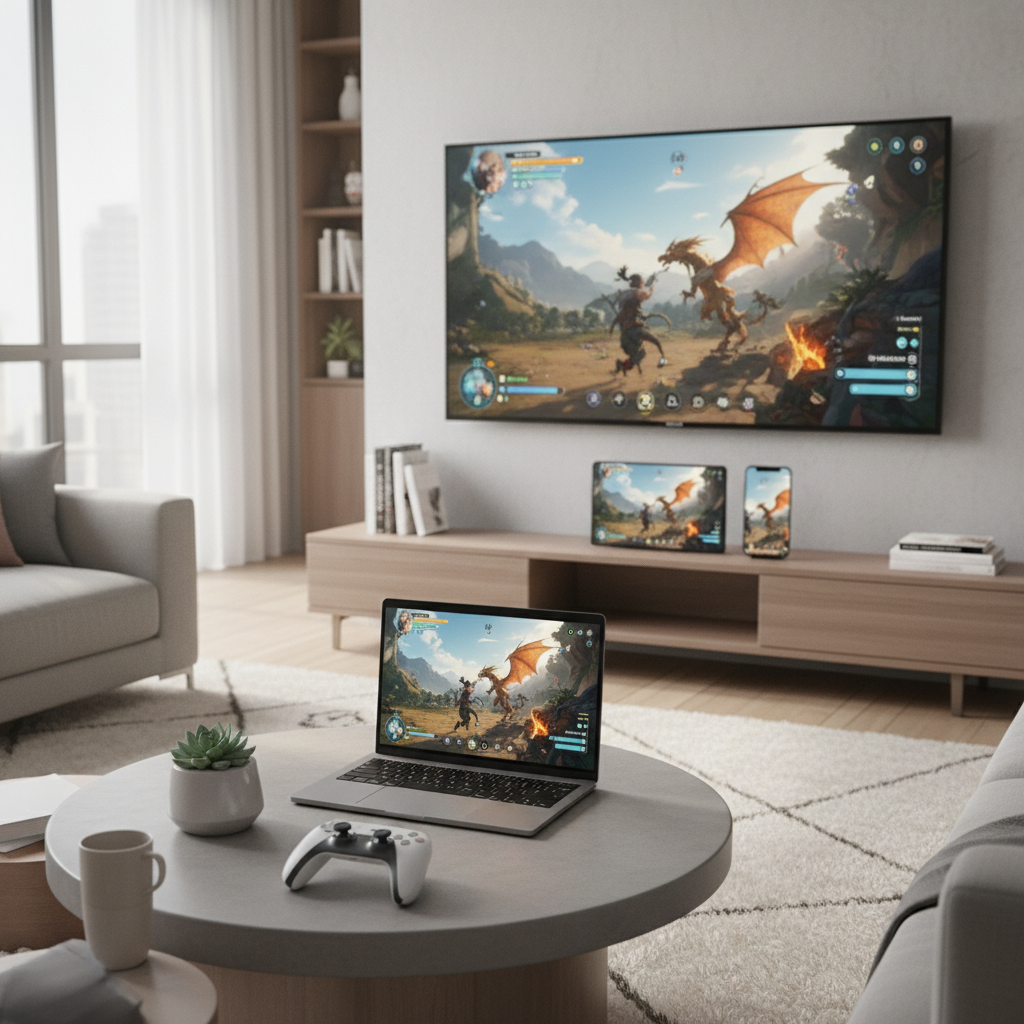
This comparison focuses on what usually decides satisfaction in real life: game availability, stream quality, latency, device support, and how pricing works once you look past the headline number. You’ll also get a quick self-check and a few “set it up once” tweaks that can make any platform feel noticeably better.
What “best” means in cloud gaming (and what it doesn’t)
The “best” service in 2026 depends on your habits. If you play one or two big AAA games for months, you’ll evaluate value differently than someone who samples 10 titles a week. The same goes for where you play: couch, desk, commute, or hotel Wi‑Fi.
A practical way to define best cloud gaming services 2026 is: the service that gives you the games you want, at a resolution and responsiveness you can tolerate, on the screens you actually use, at a monthly cost that stays predictable.
- Library vs. ownership: some services are “Netflix-style,” others stream games you already own, many mix both.
- Latency tolerance: turn-based RPGs are forgiving, shooters and fighters are not.
- Device reality: TVs, handhelds, and older laptops all behave differently.
According to Federal Communications Commission (FCC) guidance on broadband, connection quality can vary by location and network conditions, so even strong advertised speeds don’t always translate to stable real-time streaming. That’s why your setup matters as much as the service logo.
Quick comparison table: popular cloud gaming options in 2026
This table stays intentionally high-level because availability, tiers, and supported devices can change by region and over time. Use it to narrow options, then confirm details on the provider’s current plan page.
| Service | Best for | Strength | Watch-outs |
|---|---|---|---|
| NVIDIA GeForce NOW | PC-first players with owned libraries | Strong performance options, broad device support | Game availability depends on publisher participation |
| Xbox Cloud Gaming (Game Pass) | Game Pass subscribers sampling many titles | Convenience and discovery | Catalog rotates, performance depends on region and demand |
| Amazon Luna | Casual play across screens | Simple channel-style approach | Library structure can feel fragmented across add-ons |
| PlayStation cloud streaming (PS Plus tiers) | PlayStation ecosystem players | Access to many PlayStation titles depending on tier | Device and feature support varies by plan and region |
| Boosteroid (where available) | Players wanting another “owned games” option | Alternative coverage in some markets | Server proximity matters a lot, check your location first |
| Shadow PC | Power users needing a full cloud PC | Flexibility beyond gaming | Cost can be higher, setup feels less plug-and-play |
How to choose: a fast self-check (2 minutes)
If you only do one thing before subscribing, do this. It prevents the classic mistake: paying for a premium tier when your network can’t sustain it, or choosing a library-first service when you actually need specific owned titles.
- Your “must-play” list: write 5 games you’ll play this month. If a platform can’t stream at least 3 of them, it’s probably not your best match.
- Your main screen: TV, laptop, handheld, phone. Confirm official app support, not just “it might work in a browser.”
- Your network type: wired Ethernet, Wi‑Fi 6/6E/7, or older Wi‑Fi. Wired usually feels best for latency.
- Household load: do you share internet with streamers, remote workers, or smart home cameras? Congestion often causes the “random” quality drops.
- Genre sensitivity: competitive FPS and fighting games punish extra delay; single-player action and strategy tolerate more.
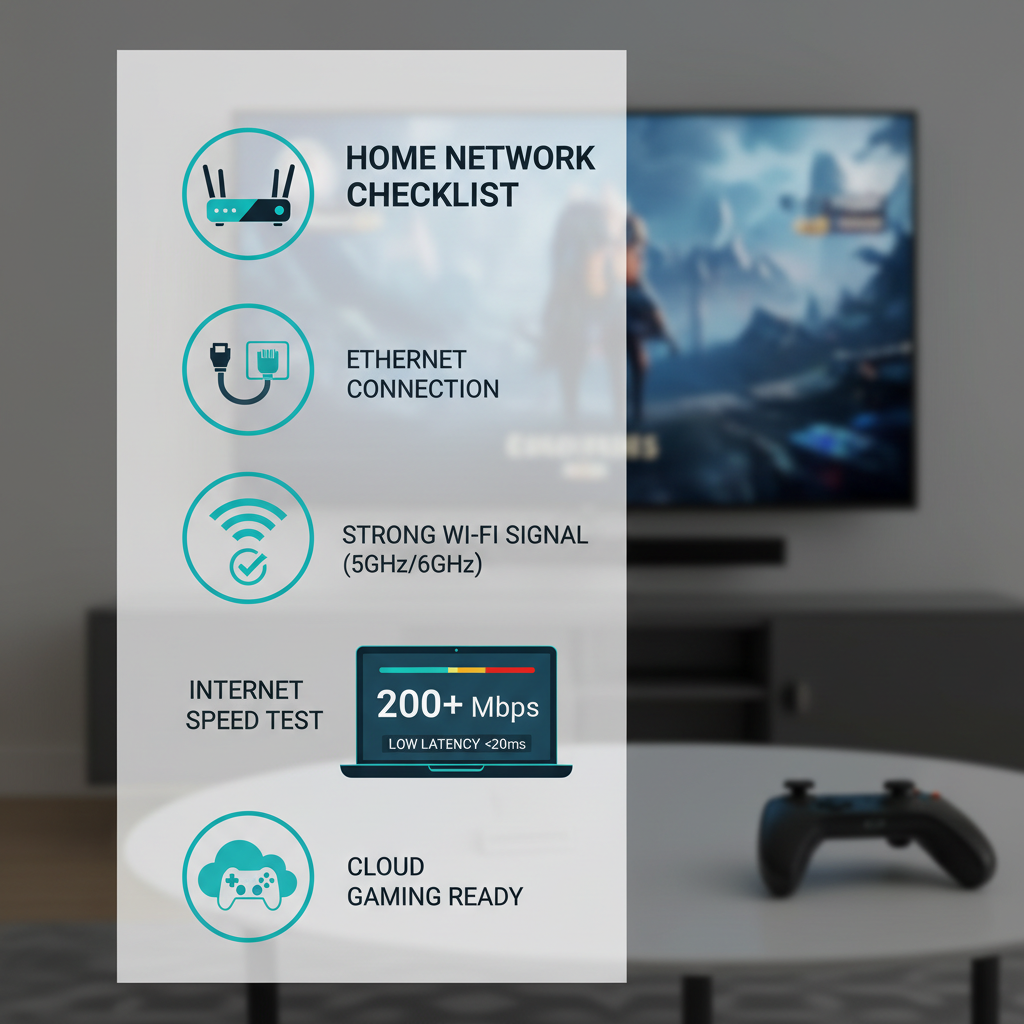
If you land in the “I mainly play on TV over Wi‑Fi” bucket, prioritize services with stable TV apps and consider a mesh upgrade or Ethernet. If you land in the “I want my Steam/Epic library anywhere” bucket, you’ll usually lean toward services that focus on streaming owned PC games.
Service-by-service notes (what people actually notice)
NVIDIA GeForce NOW
GeForce NOW tends to win when you already own PC games and care about how responsive the stream feels. Many users notice the difference most in fast camera movement and aiming, where compression and latency become obvious.
- Choose it if: you want to stream supported titles from existing PC libraries, and you care about performance knobs.
- Skip or downgrade if: your must-play games aren’t supported, or you mainly want an all-in-one catalog without separate purchases.
Xbox Cloud Gaming (via Game Pass)
Xbox Cloud Gaming is usually about convenience and breadth, especially if you already pay for Game Pass. For many households it becomes the “try it instantly” option, even if the absolute top-end visuals aren’t the main draw.
- Choose it if: you like rotating catalogs, discovery, and playing across devices with minimal setup.
- Watch for: peak-hour variability; some regions and times feel smoother than others.
Amazon Luna
Luna’s channel approach can feel straightforward, particularly for casual play across multiple screens. The tradeoff is decision fatigue about which channels you actually need, which can affect the “real” monthly cost.
- Choose it if: you prefer simple access and a living-room-friendly feel.
- Watch for: add-on stacking that sneaks your budget upward.
PlayStation cloud streaming (PS Plus tiers)
If your gaming identity is already PlayStation-heavy, Sony’s cloud options can be a natural extension. Where people get surprised is assuming features are uniform across devices or regions; the details matter.
- Choose it if: you want easier access to a PlayStation-oriented library.
- Double-check: which devices you’ll stream on and what the current tier includes.
Boosteroid (availability varies)
Boosteroid can be compelling when it’s close to you geographically and supports the games you care about. In practice, distance to servers often decides whether it feels “great” or “why is this mushy.”
- Choose it if: your area is well served and your must-play list matches.
- Watch for: travel use; hotel Wi‑Fi plus distant servers can compound issues.
Shadow PC
Shadow is less “cloud gaming app” and more “rent a remote Windows PC.” That flexibility is the point: mods, creators’ tools, odd launchers, and non-gaming workloads. The price and setup complexity are usually the tradeoffs.
- Choose it if: you need a full PC environment and gaming is just one use case.
- Skip it if: you want a one-click, controller-first experience.
Practical setup tips that make any service feel better
A lot of “this service is bad” reviews are really “this Wi‑Fi is unstable.” Before you hop providers, try these. They’re boring, but they’re the difference between playable and frustrating.
- Use Ethernet when possible: especially for TVs and desktops. It reduces jitter, not just average ping.
- Prefer 5 GHz or 6 GHz Wi‑Fi: less interference than 2.4 GHz in most homes, but range may be shorter.
- Move the router, not just the console: line-of-sight and fewer walls often beats “faster plan.”
- Turn off VPN for gaming sessions: VPN routing can add delay. If you need one for work, split-tunnel if your app supports it.
- Cap resolution if you see spikes: dropping from 4K to 1080p can stabilize streams when bandwidth fluctuates.
- Controller connection: wired controllers or solid Bluetooth can reduce perceived lag on some devices.
According to Apple Support, Wi‑Fi interference and router placement can affect wireless performance, which lines up with what cloud gamers feel as sudden artifacting or input delay. It’s not glamorous advice, but it usually holds up.
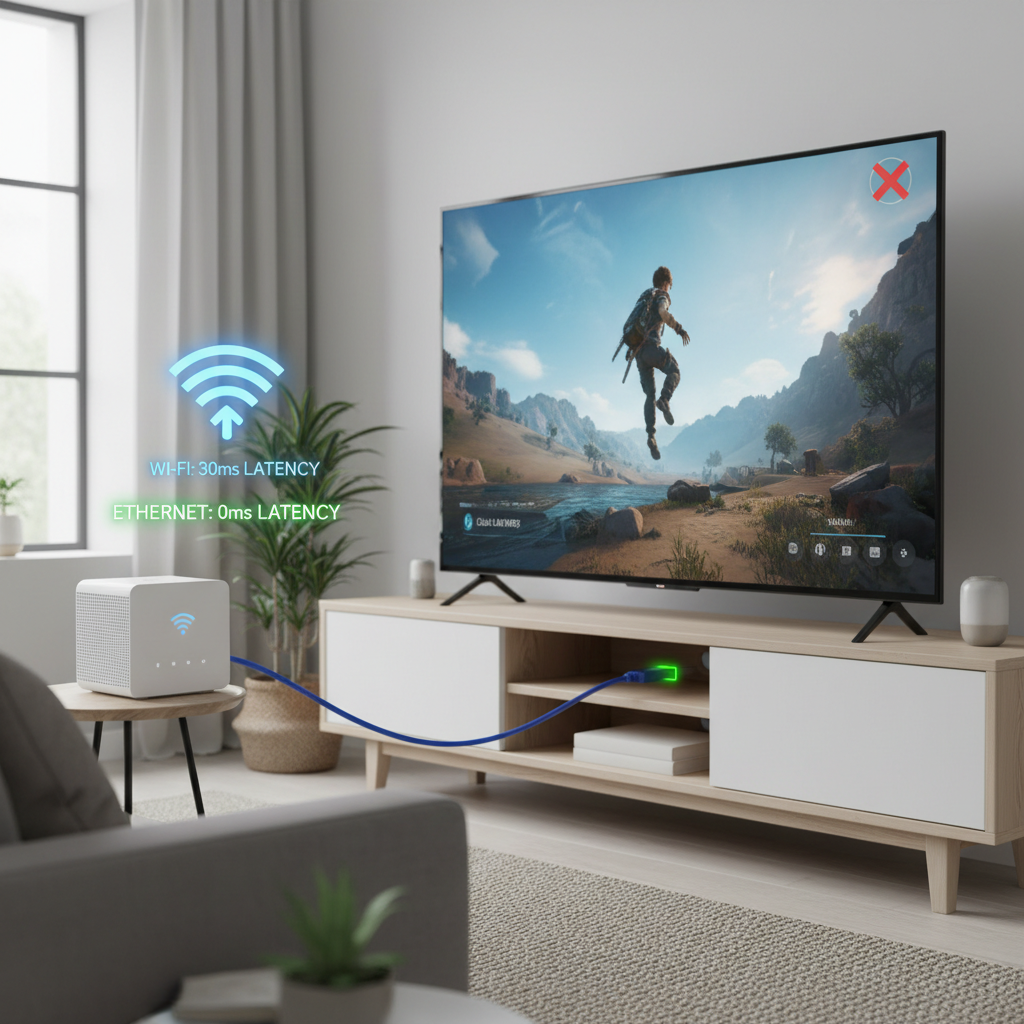
Key takeaway: if you can’t get stable play at 1080p on Ethernet, switching services may help a little, but fixing the connection often helps more.
Common mistakes (and how to avoid wasting money)
- Paying for 4K tiers on weak networks: if your stream keeps stepping down in quality, the premium tier won’t feel premium.
- Assuming “cloud” means “every game”: licensing and publisher policies still apply, catalogs shift.
- Testing once and deciding forever: try at the same time of day you actually play, peak hours can change results.
- Ignoring your display: a budget TV in game mode can feel better than a fancy TV with heavy processing turned on.
If you’re comparing best cloud gaming services 2026 options because you travel, test on the kind of Wi‑Fi you’ll really use. Coffee shop networks and hotels can be unpredictable, even when speed tests look “fine.”
Conclusion: picking the right service for your 2026 playstyle
The cleanest way to decide is to match the service’s strengths to your actual routine. If you want maximum flexibility and already own PC games, performance-first platforms often make sense. If you want a low-friction catalog that feels like a gaming subscription, ecosystem bundles can be the better deal.
- Action step 1: list your 5 must-play games, then eliminate any service that can’t cover most of them.
- Action step 2: do one “real” test session on your main device at your normal play time, then adjust network and streaming settings before upgrading tiers.
Once you make that match, the best cloud gaming services 2026 choice stops feeling like guesswork and starts feeling like a straightforward tradeoff you control.
FAQ
What internet speed do I need for cloud gaming in 2026?
Speed matters, but stability matters more. Many households can play comfortably at 1080p with decent broadband, but inconsistent Wi‑Fi or congestion can cause stutters even on fast plans.
Is Ethernet really better than Wi‑Fi for cloud gaming?
In most home setups, yes. Ethernet typically reduces jitter and packet loss, which is what your hands feel as inconsistent input response, not just “lower image quality.”
Which service is best if I already own games on Steam or Epic?
You’ll usually look at services designed to stream supported titles from PC libraries. Still, confirm your specific games because publisher participation and supported lists can change.
Why does cloud gaming look blurry sometimes even when my speed test is high?
Speed tests measure throughput, but cloud gaming also depends on latency, jitter, and moment-to-moment stability. Home Wi‑Fi interference or busy household usage often triggers aggressive compression.
Are cloud gaming subscriptions worth it compared to buying a console?
It depends on how you play. If you want instant access across devices and don’t mind streaming tradeoffs, subscriptions can be convenient. If you’re sensitive to latency or want offline play, hardware still has advantages.
Can I play competitive shooters on cloud gaming?
Some people can, especially with a strong wired connection and nearby servers, but it’s not guaranteed. If you play ranked modes seriously, testing your specific setup before committing is a safer approach.
How do I test whether a service will work well where I live?
Try a free tier or trial if available, then test at your usual play time. If the platform offers a network test or displays stream stats, use them to spot unstable latency rather than focusing only on top speed.
If you’re trying to choose between subscriptions and you want a more “no surprises” path, build your shortlist around your must-play games and your main device, then run one evening of real testing before you pay for a higher tier.