
how much does vr gaming cost depends on the setup you choose, and the “right” answer can swing a lot based on whether you want casual fitness apps, competitive shooters, or full PC-tethered sims.
Most people don’t blow their budget on one big purchase, they get nickeled-and-dimed by the extras: storage upgrades, replacement accessories, subscription libraries, and the PC parts that suddenly feel “necessary.” That’s where costs sneak in.
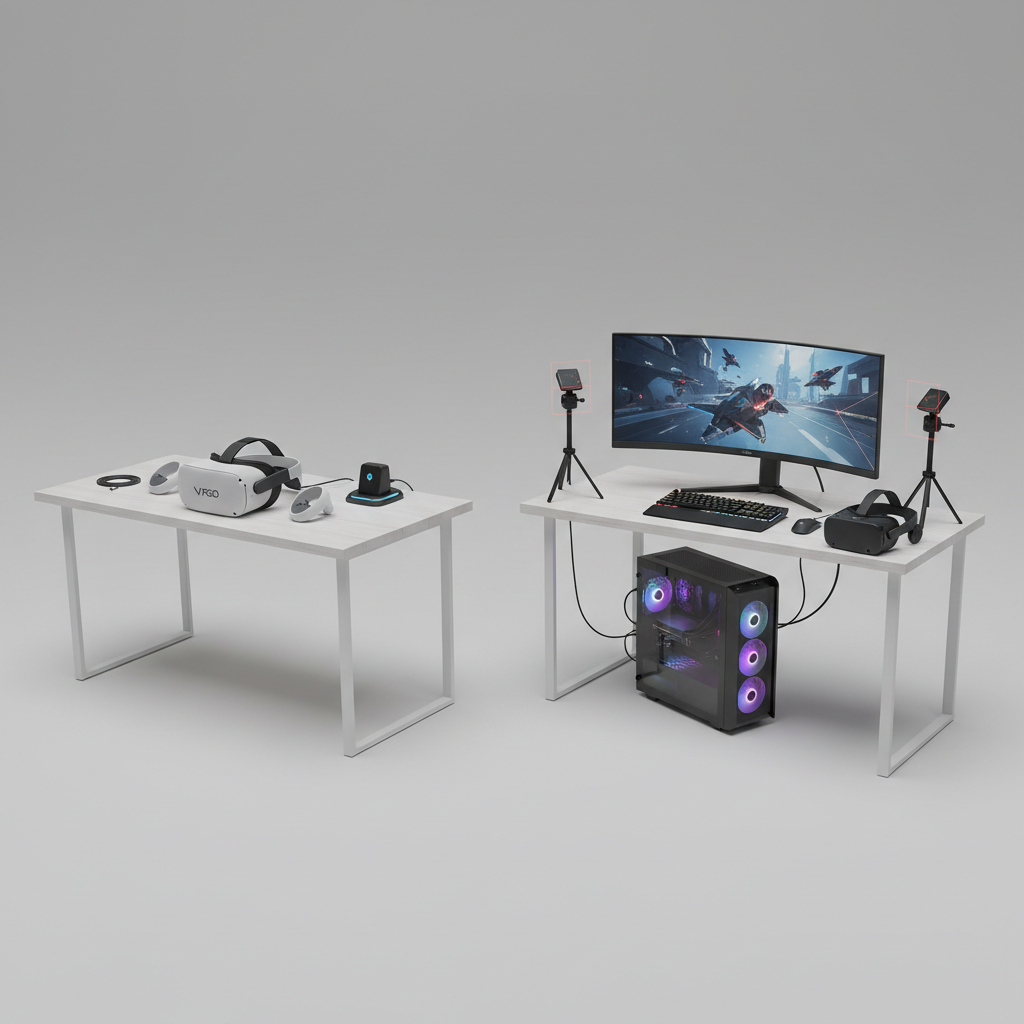
This guide breaks VR spending into the parts you can control, gives a quick self-check to match your habits to a realistic budget, and calls out common traps so you don’t pay for performance you won’t use.
What you actually pay for in VR (the cost buckets)
Think of VR cost as a stack, not a single price tag. Once you see the buckets, it’s easier to decide what matters for you.
- Headset: the core device (standalone or PC/console-tethered).
- Compute platform: built-in (standalone), a gaming PC (PC VR), or a console (console VR).
- Games and apps: one-time purchases, bundles, or subscription catalogs.
- Accessories: better head strap, extra battery, charging dock, facial interface, lens inserts.
- Connectivity: Wi‑Fi router upgrades for wireless PC VR, link cable, adapters.
- Ongoing costs: optional subscriptions, cloud saves, replacement parts, out-of-warranty repairs.
According to FTC (Federal Trade Commission) consumer guidance on shopping and subscriptions, recurring charges can be easy to overlook, so it’s worth checking whether any VR services you try convert to paid plans later.
Typical VR gaming cost ranges (quick table)
Prices move often, especially around holidays, but these ranges usually reflect what US buyers run into when building a complete setup.
| VR path | Upfront you should plan for | Ongoing typical costs | Who it fits |
|---|---|---|---|
| Standalone VR | $300–$700 (headset + a few must-have extras) | $0–$20/month optional (subscriptions), plus games | Most first-time VR players, fitness, casual multiplayer |
| PC VR (tethered or wireless) | $900–$2,500+ (headset + capable PC/parts) | Games, occasional PC upgrades | Sims, high-end visuals, modding, enthusiasts |
| Console VR | $800–$1,200 (console + headset + games) | Console online service optional, games | Players who already prefer console ecosystems |
That spread is exactly why “how much does vr gaming cost” is a tricky question: your platform choice quietly decides most of the bill.
Standalone VR: the most predictable budget (and where it still creeps up)
Standalone headsets are the easiest to budget because the compute piece is built in. You buy the headset, download apps, and you’re playing the same day.
Where costs creep up is comfort and battery. A lot of people can play 20 minutes on the stock setup, then realize longer sessions feel rough on the face or neck.
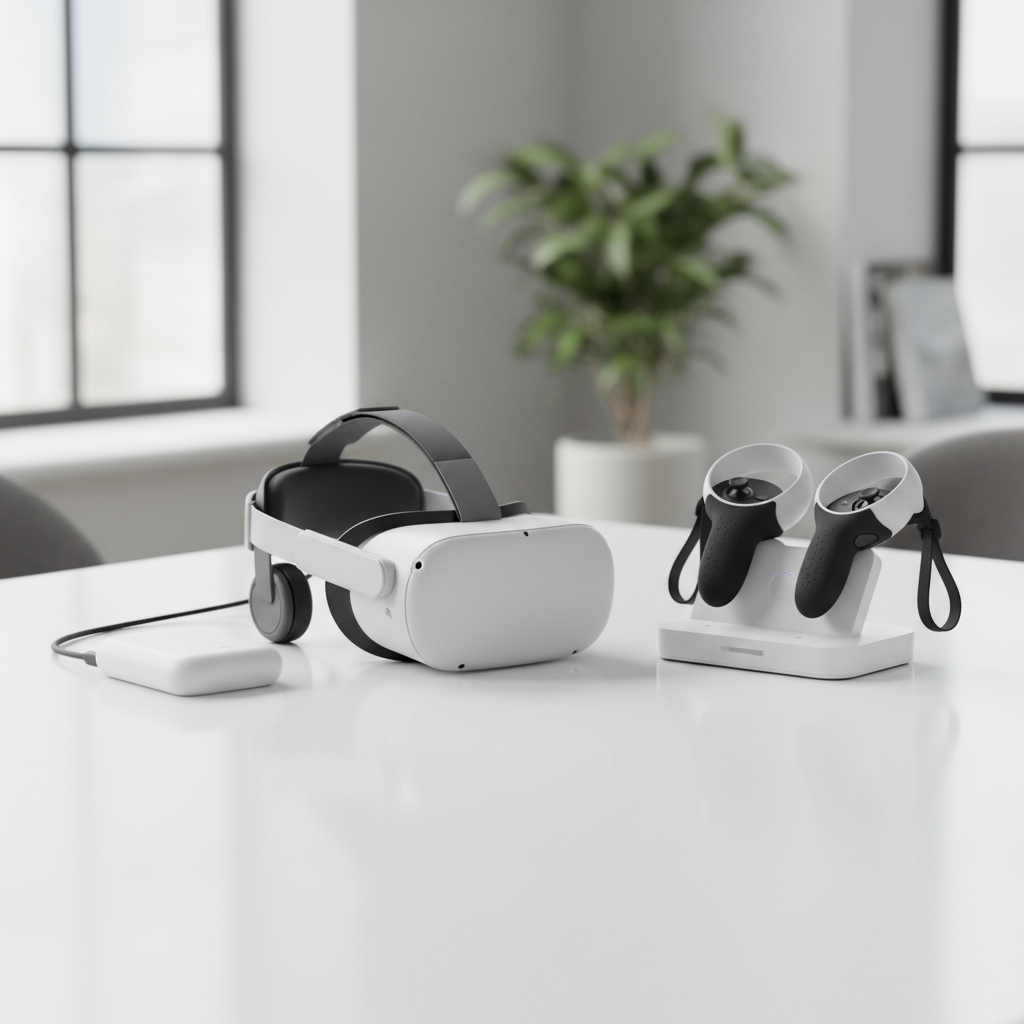
Budget-friendly approach that still feels good:
- Start with the headset and two paid games you actually want, not a shopping cart full of “maybes.”
- Wait on storage upgrades until you hit a real limit, many players don’t immediately.
- Buy comfort accessories only after 1–2 weeks, once you know what bothers you.
If you’re trying to keep costs tight, standalone is usually the least surprising option, even when you add a strap or battery later.
PC VR: where the “hidden” cost is your computer
PC VR can be amazing, but it’s also where budgets blow up. The headset might look reasonably priced, then you realize your current PC can’t maintain smooth frame rates in VR.
In VR, performance dips can feel worse than on a monitor. According to NVIDIA documentation and best-practice guidance for VR performance, maintaining consistent frame pacing is important for comfort and perceived smoothness, which is why VR-ready specs matter beyond raw average FPS.
Common PC VR spending triggers:
- GPU upgrade: usually the first thing people replace to hit stable performance.
- Wi‑Fi/router upgrade (for wireless PC VR): older routers can introduce stutter and compression artifacts.
- USB and cable fixes: hubs, active cables, adapters, not expensive alone, but they add up.
- “While I’m in here” upgrades: power supply, cooling, storage, case, because compatibility becomes a project.
If your goal is mostly active games, rhythm, fitness, party VR, PC VR can be overkill. But for racing/flight sims, modded experiences, or top visual quality, it can be worth budgeting properly rather than trying to patch an underpowered PC.
Games, subscriptions, and content: the part you’ll keep paying
Content spending varies more by personality than by hardware. Some people buy two games a year, others treat VR like a hobby with constant new releases.
Ways VR content typically gets paid for:
- One-time game purchases: straightforward, easiest to control.
- Subscription libraries: good value if you play often, wasteful if you dabble once a month.
- DLC and in-app purchases: common in fitness and social apps, sometimes optional, sometimes feels required.
Practical rule: if you’re asking “how much does vr gaming cost” because you want a stable monthly number, assume games will be your flexible spend, and hardware will be the one-time commitment.
Accessories and “small stuff” that changes the total
This category is why two people can buy the same headset and end up with very different totals. None of these items are mandatory, but some are frequent quality-of-life upgrades.
- Comfort strap and improved facial interface, helps longer sessions feel normal.
- Lens inserts if you wear glasses, many people prefer them over squeezing frames into the headset.
- Controller grips, reduces hand fatigue and accidental drops.
- Charging dock or rechargeable batteries, less friction if you play frequently.
- Protective case if you travel or share VR between homes.
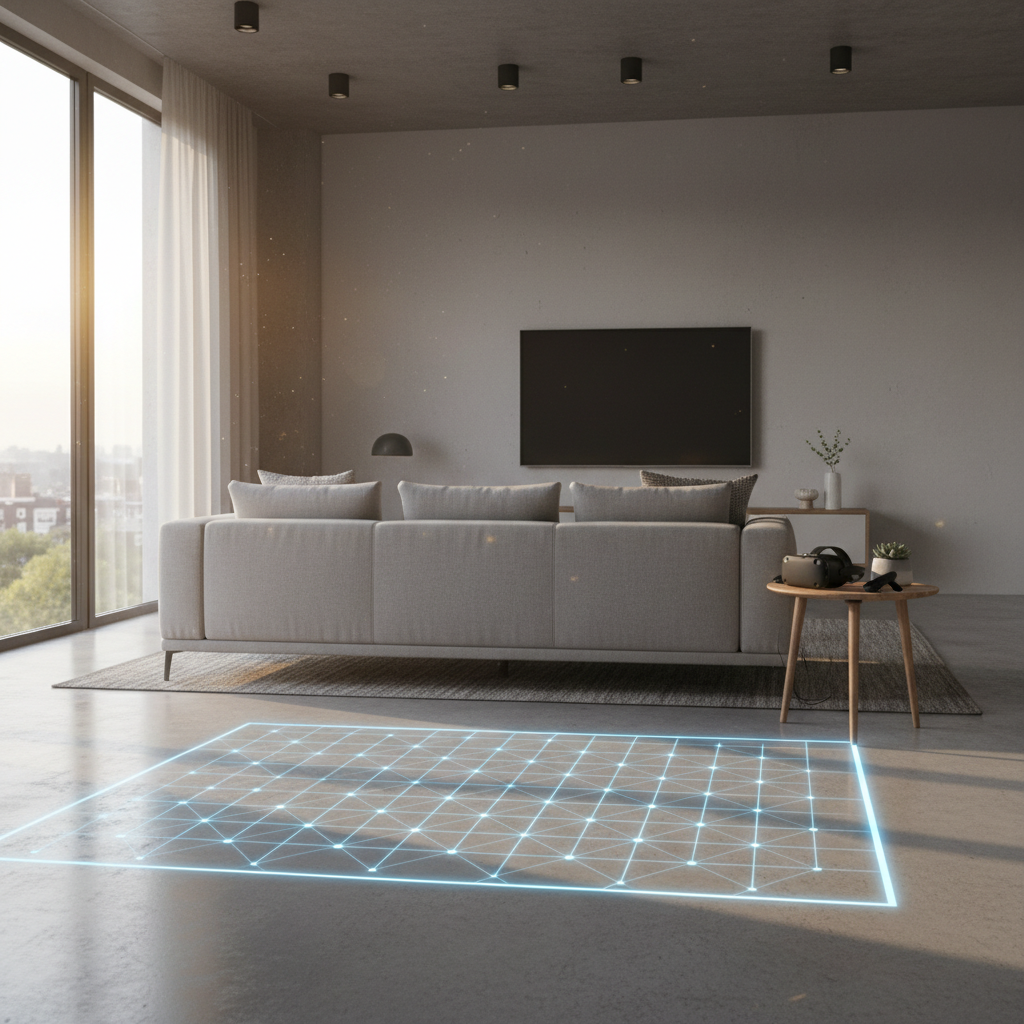
Also, don’t ignore the “space cost.” You might not spend money, but you may need to rearrange a room, add a small rug marker, or improve lighting for tracking. That’s not glamorous, but it affects how often you actually use the headset.
Quick self-check: which budget tier fits you?
If you want a simple decision, answer these honestly. Most regret comes from buying for the person you wish you were, not the one who actually plays.
- I want plug-and-play, no PC upgrades, mostly active games: Standalone budget tends to fit.
- I already own a strong gaming PC and I love sims/mods: PC VR budget makes sense.
- I play 1–3 times per month: buy fewer games, avoid subscriptions until your habit sticks.
- I play 3–5 times per week: comfort accessories and charging setup usually pay off in convenience.
- I get motion sensitive or headaches easily: prioritize stable performance and comfort, and consider asking a healthcare professional if symptoms persist.
Key takeaway: your “real” budget isn’t your headset price, it’s headset + your play style.
How to budget VR in real life (3 scenarios you can copy)
Here are three practical ways to plan spending without turning it into a spreadsheet hobby.
Scenario A: “I just want to try VR without a financial spiral”
- Buy a standalone headset.
- Set a content cap for month one: 2 games max.
- Only add accessories after you identify a real pain point.
Scenario B: “I want VR as a weekly fitness routine”
- Prioritize comfort and sweat-friendly interface early.
- Consider one fitness subscription only if you use it at least weekly.
- Budget for replacement facial pads over time, hygiene matters.
Scenario C: “I want high-end PC VR and I hate troubleshooting”
- Assume you’ll spend on the PC, not just the headset.
- Buy a known-good router if you insist on wireless.
- Keep 10–20% buffer for cables, adapters, and comfort add-ons.
Many people searching how much does vr gaming cost feel stuck because they want a single number, but VR is a menu. Pick a scenario, then build around it.
Common mistakes that inflate cost (and how to avoid them)
- Buying a premium headset before you know your tolerance: if motion discomfort is an issue, start smaller and build up gradually.
- Overbuying storage: uninstalling and reinstalling games is annoying, but it’s cheaper than upgrading too early.
- Stacking subscriptions: one service you use beats three you forget to cancel.
- Upgrading a PC in pieces without a plan: check your GPU, CPU, RAM, and power supply together so you don’t pay twice.
- Ignoring play space: broken controllers and bruised knuckles cost money fast.
Conclusion: what to expect before you buy
For most US buyers, how much does vr gaming cost comes down to a simple fork: standalone tends to stay in a predictable range, while PC VR can escalate quickly if your computer isn’t already ready.
If you want an easy next step, pick your platform, set a hard cap for your first month of games, and wait on accessories until something genuinely annoys you. That approach keeps VR fun instead of feeling like a constant upgrade chase.