
best minecraft vr mods 2026 is what most people search right after they realize “VR Minecraft” can mean anything from a smooth room-scale build session to a nausea-speedrun with broken hands and missing menus.
The tricky part is that “best” depends on your setup and expectations: Java vs Bedrock, standalone headset vs PCVR, performance headroom, and whether you care more about immersion or convenience.
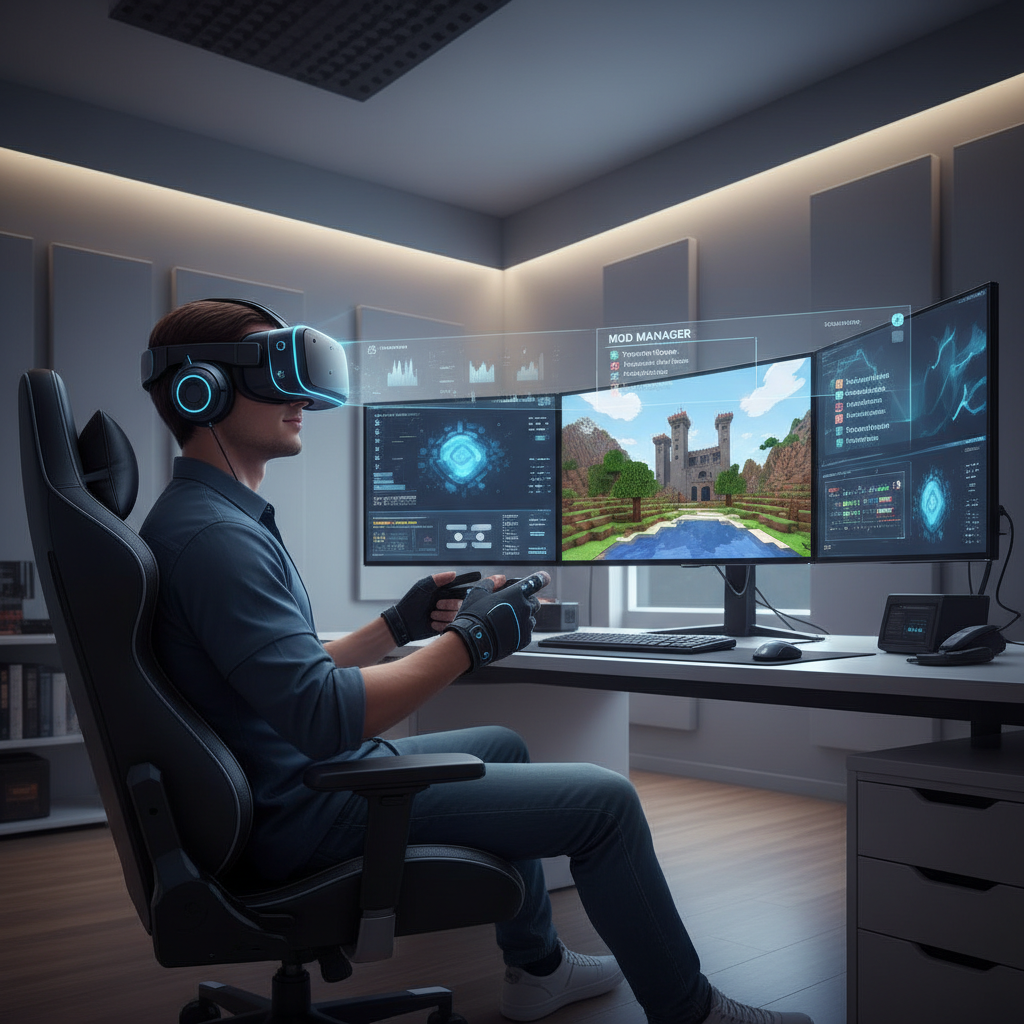
This guide separates “must-haves” from “nice-to-haves,” calls out common compatibility traps, and gives a practical install order so you spend less time troubleshooting and more time actually mining in VR.
What “Minecraft VR mods” usually means in 2026 (and why it’s confusing)
In 2026, people use the phrase in three different ways, and mixing them up is where frustration starts.
- Java Edition VR via Vivecraft: the classic route for PCVR, with real motion controllers and tons of mod ecosystem options.
- Performance/visual mods that make VR playable: shaders, optimization, and UI tweaks that reduce stutter and improve readability in a headset.
- Content mods you happen to play in VR: new biomes, mobs, tech trees, and building tools that aren’t “VR mods,” but they change how VR feels.
According to Mojang Studios, Minecraft has separate Java and Bedrock editions with different feature sets and modding approaches, so it’s normal that a “VR mod list” for Java won’t translate cleanly to Bedrock.
Quick compatibility checklist before you install anything
Do this first, even if you’re impatient, because most “it doesn’t work” posts come from a mismatch here.
- Your edition: Java (mod-friendly) vs Bedrock (different ecosystem).
- Your headset mode: PCVR (SteamVR/OpenXR) vs standalone; most serious mod stacks assume PCVR.
- Minecraft version: pick a target version and stick to it, modpacks break when you freestyle upgrades.
- Loader: Forge vs Fabric vs Quilt; don’t mix unless you know exactly what you’re doing.
- GPU headroom: VR punishes unstable frame time; aim for “boring and steady,” not “ultra everything.”
If you’re sensitive to motion sickness, be extra strict about performance. According to the VR industry safety guidance commonly published by headset manufacturers such as Meta, discomfort can increase when latency or frame rate becomes inconsistent, so it’s reasonable to treat optimization as a priority, not an optional add-on.
The best Minecraft VR mods 2026: a practical shortlist
Rather than dump 30 names, here’s a shortlist that tends to cover what most players actually need. Availability and exact version support can change quickly, so treat this as a “category-first” list and verify support for your target Minecraft version.
1) Core VR gameplay
- Vivecraft (Java): the cornerstone for room-scale VR, motion controllers, and VR-specific settings. For most PCVR Java players, this is the starting point.
2) Optimization (the difference between fun and frustration)
- Sodium (Fabric): often the go-to for higher FPS and smoother frame pacing.
- Lithium (Fabric): server-side and game logic optimizations that can reduce hitching in busy worlds.
- Starlight (Fabric): lighting engine optimizations, helpful when lighting updates cause spikes.
- FerriteCore (Forge/Fabric, depending on version): memory usage improvements, useful for larger mod lists.
3) VR-friendly visuals and readability
- Iris (Fabric): shader support commonly paired with Sodium; in VR, keep shader choices conservative.
- LambDynamicLights (Fabric): dynamic lights can boost immersion, but treat it as “test and keep only if stable.”
4) Quality-of-life that matters more in a headset
- Mod Menu (Fabric): faster toggles and troubleshooting, especially when you’re taking a headset on/off.
- Controlling / Not Enough Keys: helps you search keybinds when mods collide, which happens constantly in VR builds.
- Inventory/profile helpers: anything that reduces menu time tends to feel bigger in VR than on a monitor.
5) “Play-in-VR” content mods (choose lightly)
Big content mods can be amazing in VR, but they also add UI layers, new GUIs, and extra performance cost. If you pick them, pick a few, not fifteen.
- World-gen & exploration: great for immersion, but watch chunk generation stutter.
- Building helpers: fantastic for VR comfort when they reduce repetitive reach-and-click actions.
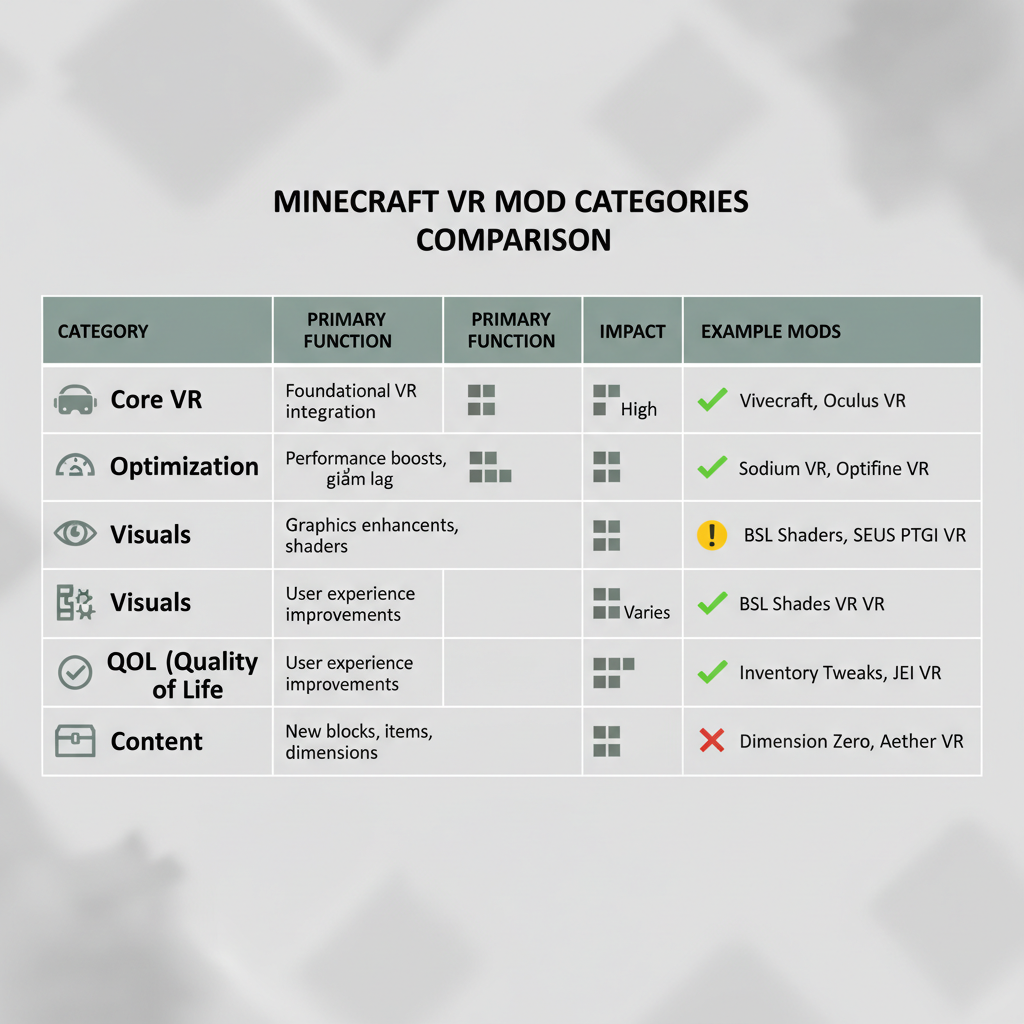
Recommended stacks (pick one) + comparison table
Most players do better with a “known-good stack” than a custom buffet. Here are common directions that fit different priorities.
| Goal | Loader | Core picks | Why it works in VR | Watch-outs |
|---|---|---|---|---|
| Stable VR baseline | Varies | Vivecraft + minimal extras | Fewer conflicts, easier updates | Less customization |
| High FPS / low stutter | Fabric | Sodium + Lithium + Starlight + Mod Menu | Improves frame time consistency | Some mods are Forge-only |
| Light shaders for immersion | Fabric | Sodium + Iris (careful shader) + optimization | Better lighting without heavy cost | Shader choice can tank VR comfort |
| Content-heavy adventure | Forge (often) | Vivecraft + a small set of content mods + memory optimization | More “game,” less sandbox repetition | GUI mods can feel awful in VR |
How to install (without getting trapped in mod-conflict purgatory)
Install order matters because it keeps your troubleshooting clean, and clean troubleshooting is basically the whole game here.
- Step 1: lock your target version, then create a fresh instance in your launcher (Prism Launcher or similar tools help many players keep profiles separate).
- Step 2: install your VR base (commonly Vivecraft on Java), then confirm you can load a new world in VR before adding anything else.
- Step 3: add optimization mods, test again, then check frame pacing, not just average FPS.
- Step 4: add QoL (keybind search, mod menu), because this makes later conflict fixes less annoying.
- Step 5: add visuals last and keep settings conservative; VR clarity beats fancy shadows most days.
- Step 6: add content in small batches, two or three at a time, so you know what broke things.
Key point: if you change three things at once and the game stops launching, you didn’t “save time,” you just delayed the moment you have to be systematic.
Tuning tips that make VR Minecraft feel “right”
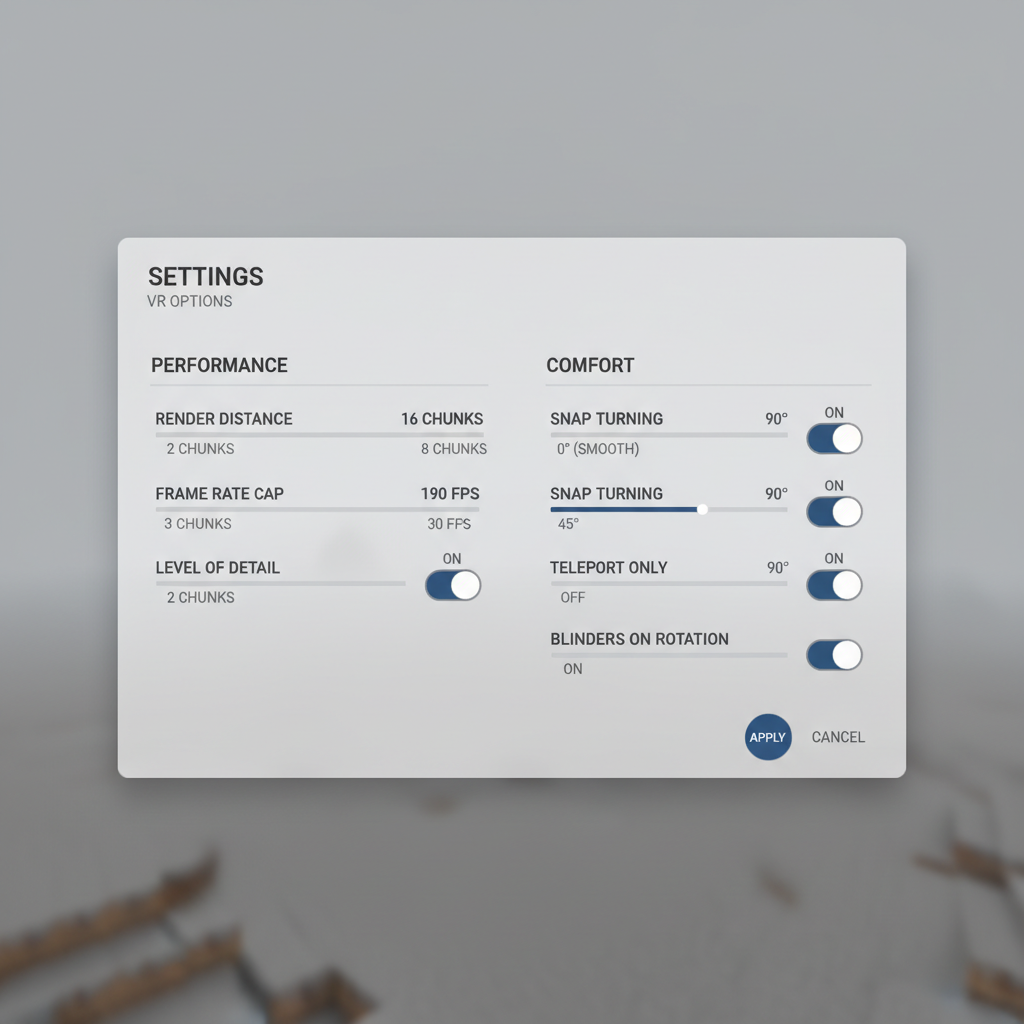
Once your list boots, the next battle is comfort and usability. A few settings usually punch above their weight.
- Prioritize stable frame time: cap frame rate to what your system can hold steadily, and lower view distance before you sacrifice everything else.
- Reduce spikes: chunk generation and fancy lighting often cause the worst hitching, so tune those first.
- UI readability: increase GUI scale and choose resource packs cautiously; tiny text in VR is a headache.
- Comfort options: snap turning and vignette-style comfort settings can help some players, but preferences vary.
If you notice nausea, headaches, or eye strain, it’s reasonable to take breaks and adjust settings, and if symptoms persist, consider consulting a healthcare professional.
Common mistakes people make with VR mod lists
A lot of “VR mods are broken” complaints are really these issues.
- Chasing max graphics: VR exposes stutter instantly, and a shader that looks fine on a monitor can feel bad in-headset.
- Mixing loaders and ecosystems: Forge-only mod with a Fabric stack, or mismatched dependency versions.
- Updating mid-playthrough: a minor update can silently break VR input or performance, especially with shader pipelines.
- Too many UI mods: extra overlays can collide with VR interaction, creating menus you can’t click.
- Ignoring logs: the crash log usually names the problem mod, and reading it beats guessing.
Key takeaways and a simple “what to do next” plan
If you want the best minecraft vr mods 2026 experience, the winning strategy is boring on purpose: start with a stable VR base, layer optimization, then add comfort and visuals only after you’ve confirmed performance stays steady.
- New to VR Minecraft: start with Vivecraft and a minimal, proven optimization set.
- Chasing smoothness: pick a Fabric performance stack first, then add shaders only if you still have headroom.
- Want content: add content mods in small batches and be ruthless about removing anything that adds janky menus.
Pick your target Minecraft version today, build one clean profile, then test changes one at a time, you’ll get a better result than any giant list copied from a comment thread.
FAQ
What is the best Minecraft VR mod for Java in 2026?
For many PCVR players, Vivecraft remains the default starting point because it’s purpose-built for motion-controller VR. The “best” add-ons usually depend on whether you need performance, shaders, or content.
Do these work on Quest without a PC?
Many popular Java VR setups assume PCVR via SteamVR/OpenXR. Standalone options vary, and you often get a more limited modding path, so check your headset and edition constraints before planning a big mod list.
Should I use Fabric or Forge for VR?
Fabric often wins for lightweight performance stacks, while Forge may be appealing if your must-have content mods live there. In practice, “best” is whichever supports your target version and runs reliably in VR.
Are shaders worth it in VR Minecraft?
Sometimes, but conservative shaders tend to be the sweet spot. If you see frame time spikes or feel discomfort, dialing back shaders often gives a bigger quality-of-life boost than upgrading visuals.
Why does VR Minecraft feel laggy even when FPS looks high?
VR comfort tracks frame time consistency more than a single FPS number. Chunk generation, lighting updates, or background apps can cause micro-stutters that feel awful in-headset even if average FPS seems fine.
What’s the safest way to add more mods without breaking VR?
Add a small batch, launch, test, and keep notes. If something breaks, you can roll back quickly instead of trying to untangle ten changes at once.
Is modded VR Minecraft safe for motion sickness?
It varies by person and settings. Comfort options, stable performance, and shorter sessions help many people, and if you’re prone to nausea, it’s smart to adjust movement settings early rather than “pushing through.”
If you’re trying to get a smooth VR setup fast, it can be easier to start from a curated mod profile or a small, tested stack built around your exact Minecraft version and headset, then customize once you know your baseline is stable.