
Anime style action rpg games for pc can be hard to shop for because screenshots look similar, but the feel of combat, progression, and PC performance can be wildly different.
If you want fast dodges, flashy ultimates, and character builds that actually matter, a little filtering saves you from the classic mistake: buying a “pretty” game that turns into a grindy, clunky loop after the first weekend.
This guide breaks the genre into practical buckets (combat style, party vs solo, monetization, and PC requirements), then gives a short, usable checklist and a comparison table so you can decide in minutes, not hours.
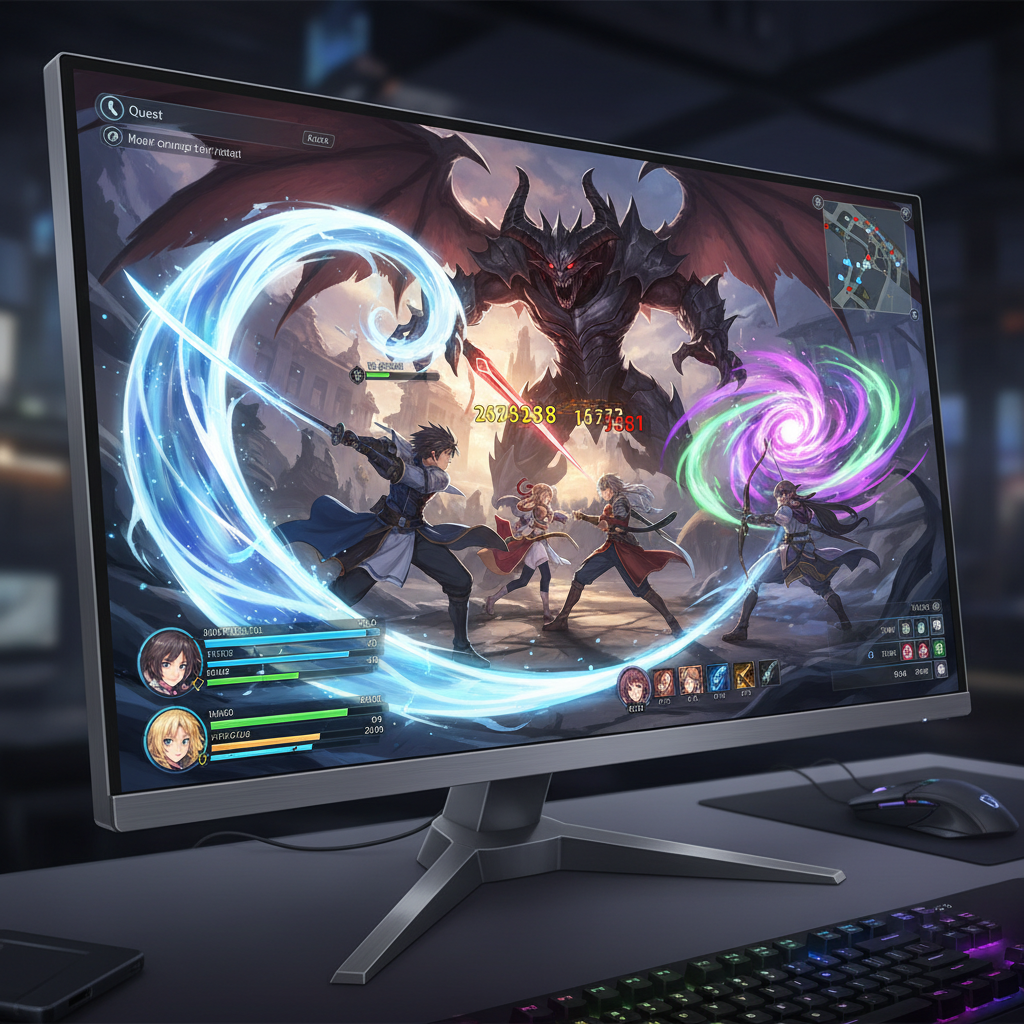
What counts as an anime-style action RPG on PC (and what doesn’t)
People use the label loosely. For this article, “anime-style action RPG” usually means real-time combat (you aim, dodge, time skills), plus RPG progression (levels, gear, talent trees, party synergy) wrapped in anime-inspired art direction.
- Action: inputs matter, enemy patterns matter, and timing beats stats more often than not.
- RPG: you build characters over time, not just cosmetic changes.
- Anime-style: cel shading, stylized proportions, expressive VFX, or character design language associated with anime.
What often gets mislabeled: turn-based JRPGs, visual novels with occasional combat, and pure hack-and-slash titles with almost no build depth. Those can still be great, they just scratch a different itch.
Why these games feel “amazing” or “off” in the first hour
The gap between “this rules” and “why is this so floaty” usually comes down to a few design choices you can spot early.
- Hit feedback: clear impact frames, sound cues, and readable stagger tell your brain it landed.
- Animation commitment: some games lock you into swings, others let you cancel into dodges; neither is wrong, but you need to like the philosophy.
- Camera and target management: soft lock-on, hard lock-on, or free aim changes everything, especially for bosses.
- Progression pacing: if you get key moves at hour 10, the early loop can feel thin.
- Online layer: co-op can elevate the whole package, but netcode and matchmaking friction can drain it fast.
According to Valve (Steam), user reviews and the refund window are major signals players rely on for purchase decisions, so it’s worth using that ecosystem to test your “feel” quickly when you’re unsure.
Quick self-check: which sub-style fits you?
If you’ve bounced off a few anime style action rpg games for pc, you might not dislike the genre, you might just be picking the wrong sub-style.
Pick the sentence that sounds like you
- “I want boss fights that punish mistakes.” Look for Souls-like influence, stamina management, tighter i-frames, slower but heavier swings.
- “I want flashy combos and constant movement.” Go for character-action leaning combat, air juggles, stance systems, swap characters mid-fight.
- “I mainly want co-op and a long endgame.” Prioritize matchmade multiplayer, repeatable domains/raids, gear farming, seasonal updates.
- “I care about story and party builds.” Focus on deeper skill trees, elemental reactions/synergies, and companion-driven progression.
Small tell: if a game’s hardest content is “timer DPS checks” more than survival mechanics, it will feel different from titles where positioning and defense win runs.
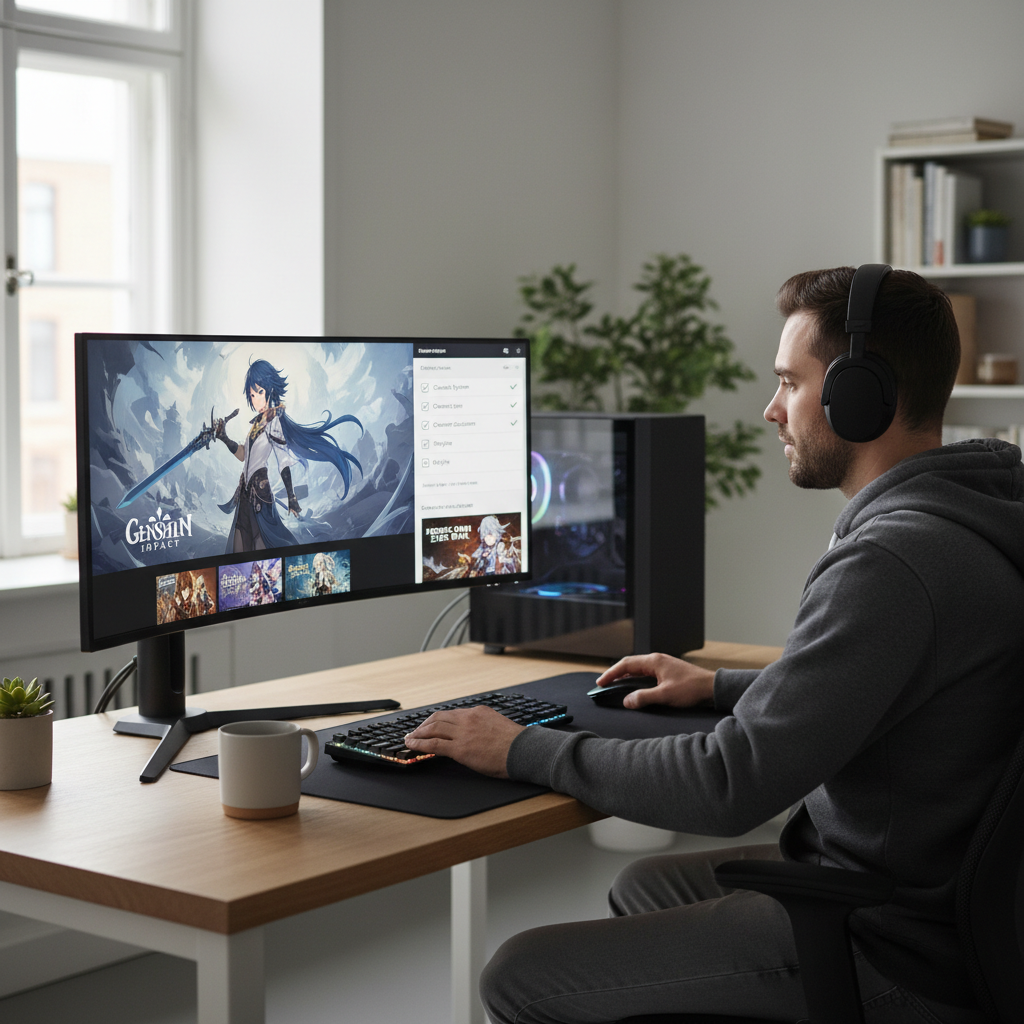
Comparison table: what to evaluate before you buy
You don’t need a full spreadsheet, but you do want to compare the “invisible” stuff that determines whether you’ll still enjoy it after the honeymoon phase.
| What to check | Why it matters | Fast way to judge |
|---|---|---|
| Combat commitment | Determines whether fights feel responsive or punishing | Watch 5 minutes of raw gameplay (no montage), look for dodge cancels and recovery frames |
| Build depth | Impacts long-term motivation beyond story | Skim skill tree, gear affixes, and whether choices meaningfully change play |
| Co-op quality | Makes or breaks endgame loops | Check how matchmaking works and if content is designed for groups or just “allowed” |
| Monetization | Affects pacing, grind, and “pay to skip” pressure | Read store page + community FAQ; look for stamina systems, gacha, battle pass |
| PC performance | Stutter kills action combat | Look for shader compilation notes, FPS caps, and recent patch sentiment |
| Controller support | Many action RPGs feel better on a pad | Confirm native button prompts and remapping |
Practical buying plan (works even if you hate “research”)
If you want a simple routine, this one tends to prevent regret without turning shopping into homework.
- Step 1: Decide your combat priority (precision, spectacle, or co-op). Write one sentence, seriously.
- Step 2: Watch unedited PC gameplay with HUD visible. If the camera annoys you now, it won’t magically improve later.
- Step 3: Check performance chatter in the most recent reviews, not the top reviews from launch week.
- Step 4: Confirm monetization expectations. If you dislike daily chores, avoid systems built around daily stamina and rotating objectives.
- Step 5: Use refund windows smartly. On PC storefronts that allow it, test: tutorial feel, frame pacing, input latency, and first boss.
According to Microsoft, enabling and customizing accessibility features can improve comfort for different players; even if you don’t “need” them, options like remapping or camera sensitivity can seriously change how an action RPG feels on PC.
Common pitfalls (the stuff that wastes your time)
Most disappointment comes from mismatched expectations, not “bad games.” A few patterns show up again and again.
- Assuming anime look equals light gameplay: plenty of titles hide very demanding mechanics under cute character art.
- Ignoring frame pacing: 60 FPS average can still feel awful if it stutters in combat arenas.
- Buying for endgame when you hate the base loop: if the core fight isn’t fun at level 10, an endgame won’t save it.
- Confusing “co-op exists” with “co-op is good”: some games limit meaningful rewards, roles, or matchmade content.
- Over-trusting tier lists: your tolerance for grind, parry timing, and camera distance matters more than a ranking.
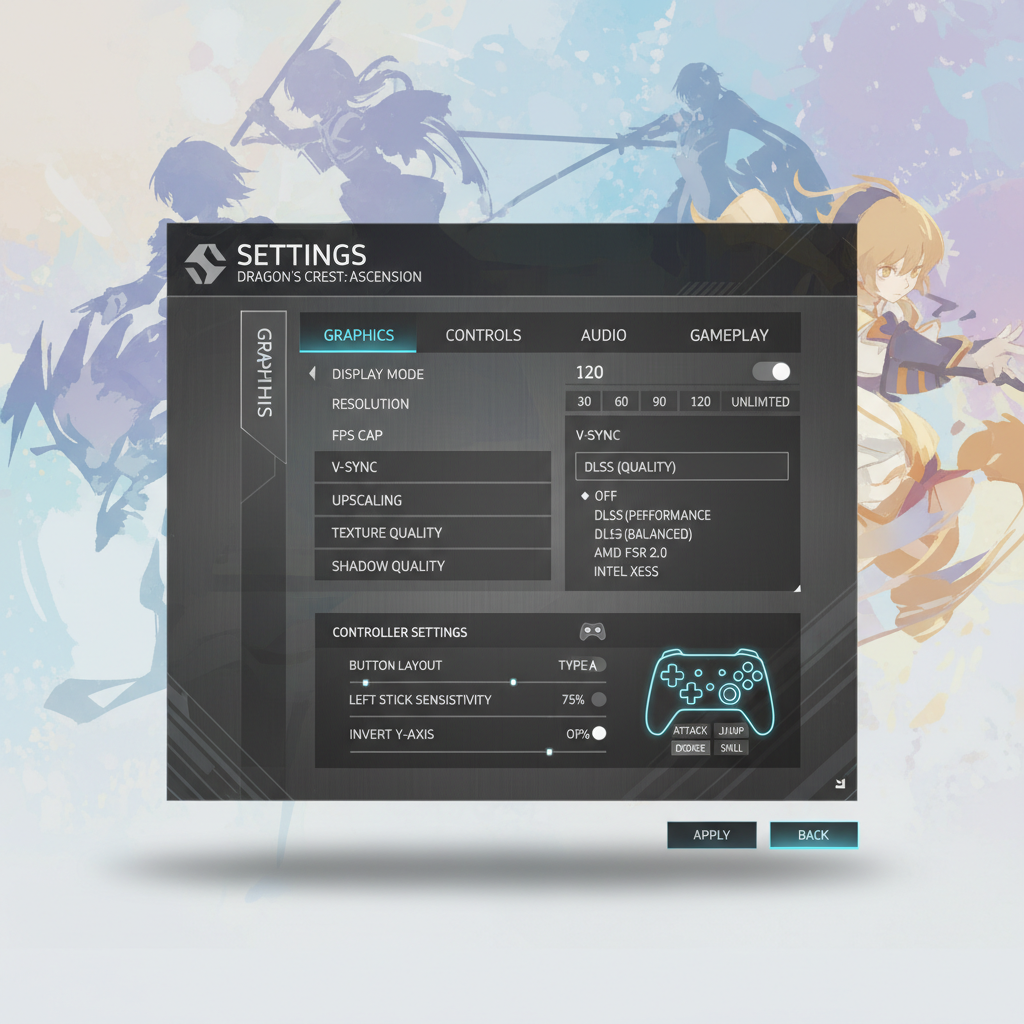
PC setup tips that noticeably improve action combat
You don’t need a new GPU to make anime style action rpg games for pc feel better, but you do need to prioritize stability over max settings.
Settings that usually help (without getting too nerdy)
- Cap FPS to a stable number (60/90/120) rather than chasing peaks; consistency improves dodge timing.
- Turn down the usual suspects: shadows, volumetrics, and ray tracing often cost more than they add in fast combat.
- Reduce input latency: try exclusive fullscreen if supported, disable heavy post-processing, and check driver control panel “low latency” options.
- Controller vs mouse: for melee-heavy games, controller can feel more natural; for ranged builds, mouse aim might win.
If you feel eye strain or discomfort during long sessions, consider adjusting motion blur, camera shake, and FOV where available, and if symptoms persist it’s reasonable to ask a health professional for advice.
Key takeaways and what to do next
Picking the right game is mostly about matching your taste to the combat philosophy, then making sure the PC version runs clean enough to let that combat shine.
- Decide your “combat vibe” first, then shop within that lane.
- Verify performance and monetization early, because those two factors decide long-term enjoyment.
- Test responsiveness fast using raw gameplay and refund windows where available.
If you want a low-risk next step, choose one candidate, set a 90-minute trial goal (movement, first dungeon, first boss), and keep notes on what felt good versus what felt irritating. That one small habit saves real money.
FAQ
What are the best anime style action rpg games for pc right now?
It depends on whether you prioritize precision combat, co-op grinding, or story-driven progression. A “best” pick for you is the one whose combat loop feels good in minute-to-minute play and stays stable on your hardware.
Do I need a controller for anime action RPGs on PC?
Not always, but many melee-focused titles are tuned around controller movement and camera control. If the game offers strong remapping and clear prompts, either input can work; it’s worth trying both if you can.
How can I tell if a PC port is stuttery before buying?
Check recent user reviews and community discussions that mention frame pacing, shader compilation, and traversal stutter. Also look for patch notes addressing performance, since launch impressions can become outdated.
Are gacha anime action RPGs automatically pay-to-win?
Not automatically, but monetization can influence pacing and power growth. If you dislike daily tasks or “pull” systems, you’ll probably enjoy buy-to-play games more, even if the gacha title is generous.
What specs matter most for smooth action combat?
CPU consistency and storage speed can matter as much as GPU, especially for open areas that stream assets. In practice, stable FPS and low stutter usually beat higher graphics settings for this genre.
Is co-op actually useful, or just a side feature?
Look for content designed around roles, revives, and scaling rewards. If co-op is limited to “drop in for a boss” without meaningful progression, it may feel like a novelty after a few sessions.
How long should I give a game before deciding it’s not for me?
Usually you’ll know after the tutorial plus one real boss encounter, because that’s where camera, dodge timing, and ability flow show up. If you feel constant friction early, it often stays.
If you’re trying to narrow down options quickly, pick 3 candidates, run them through the table above, then commit to testing just one this week. If you’d rather skip the research entirely, following curated “combat feel” recommendations by sub-style is often the most painless way to land on something you’ll actually finish.