
Best 2 player games split screen are still the easiest way to get a great night of gaming without waiting on servers, invites, or voice chat drama. You sit down, grab two controllers, and you’re playing in minutes.
It’s also one of those topics where advice online can feel weirdly generic. People mix true split-screen with “local co-op on one screen,” or they recommend games that technically support two players but feel miserable when the screen shrinks.
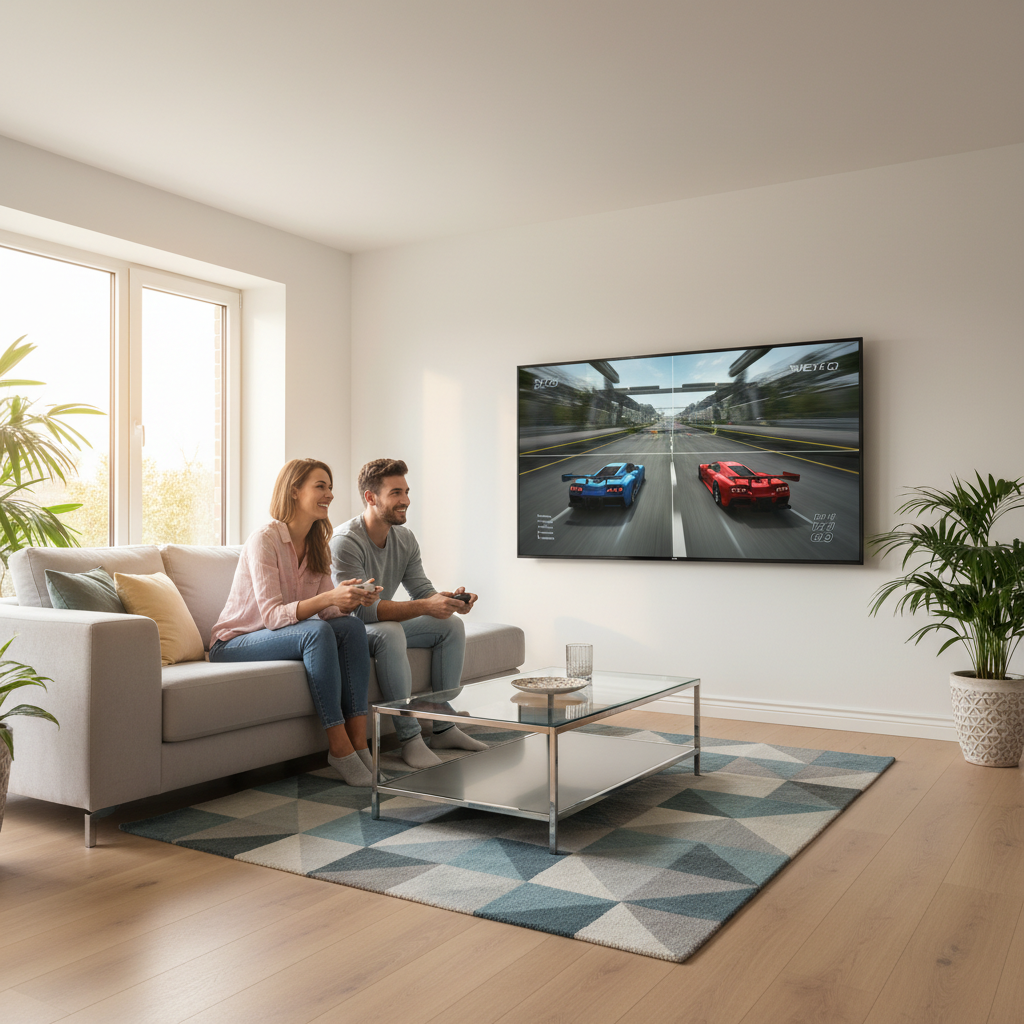
This guide focuses on games that actually feel good in split view, plus quick ways to tell what will work for your setup. You’ll also get a short checklist, a comparison table, and a few practical “don’t waste your time” notes.
What “split screen” really means (and why it matters)
Split-screen is simple in concept: one display shows two separate camera views at the same time. In practice, the experience depends on how the game handles readability, performance, and UI scaling.
Two terms get confused a lot:
- Split-screen: each player gets their own view (common in racing, shooters, some sandbox games).
- Shared-screen local co-op: both players share one camera (common in platformers and many co-op indies). Great option, but not the same thing.
If you specifically want the best 2 player games split screen, you usually want genres where separate views are a feature, not an afterthought.
Quick picks: split-screen games that usually deliver
Rather than throw a huge unfiltered list at you, here are categories that tend to work well on a couch, because the UI stays readable and the “two views” design is expected.
Racing and driving
- Mario Kart 8 Deluxe (Nintendo Switch): easy to pick up, great for mixed skill levels.
- Gran Turismo 7 (PS5/PS4): more sim-leaning; good if both players like tuning and clean laps.
- Team Sonic Racing (multi-platform): team mechanics make it less punishing for beginners.
Sandbox / building
- Minecraft (console editions): split-screen works well for exploration and building together, especially on bigger TVs.
Shooters (pick these carefully)
- Halo: The Master Chief Collection (Xbox/PC): a classic split-screen feel, especially for campaigns and custom games.
- Borderlands series (console): loot-and-build co-op that can be a great long weekend game if you both like RPG systems.
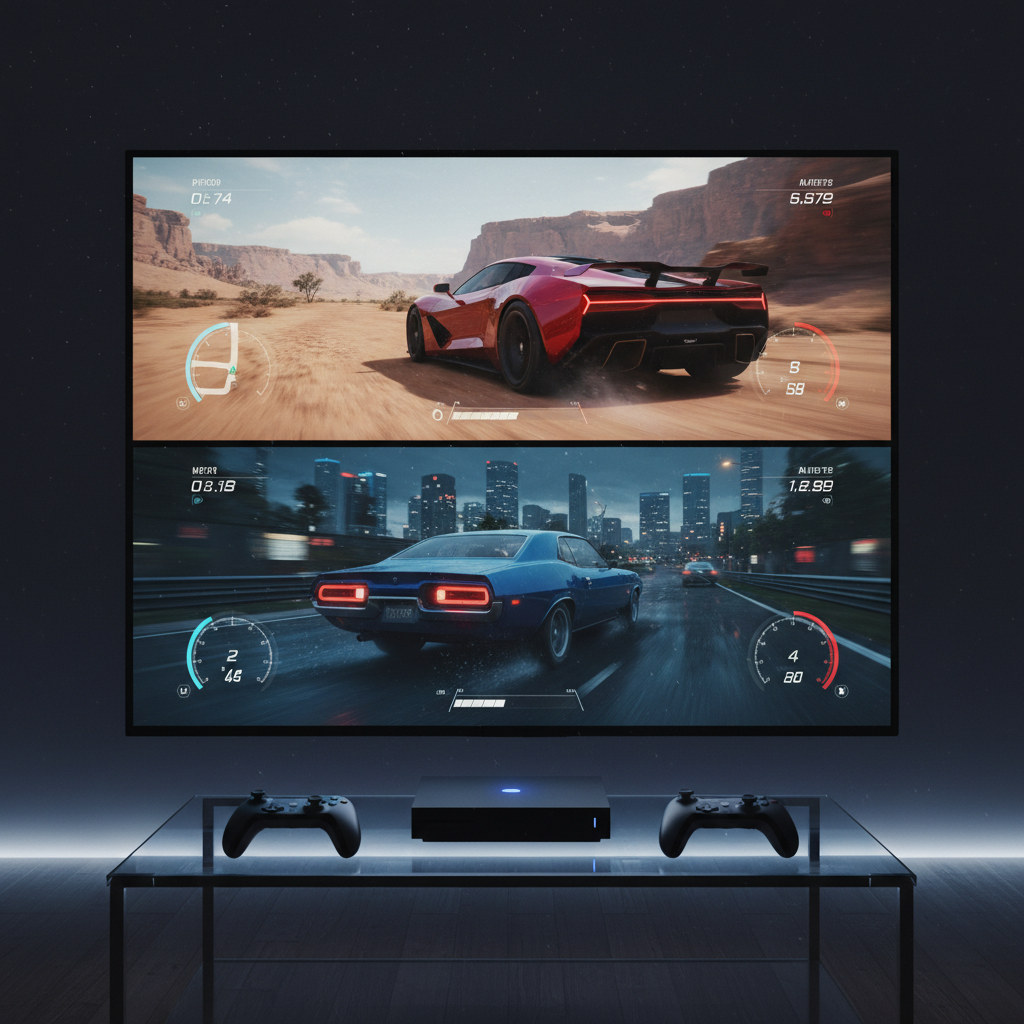
One honest note: some modern shooters technically support split-screen, but the field of view gets tight and UI becomes tiny. If your TV is under ~50 inches, racing and sandbox games often feel better than competitive FPS.
Comparison table: choose by vibe, not hype
If you’re trying to decide fast, match the game to the kind of night you want. The table below is intentionally practical.
| Game | Genre | Best for | Split-screen feel | Heads-up |
|---|---|---|---|---|
| Mario Kart 8 Deluxe | Racing | Parties, couples, mixed skill | Excellent readability | Switch only |
| Gran Turismo 7 | Racing sim | Car fans, “one more lap” sessions | Strong, clean UI | More serious learning curve |
| Minecraft | Sandbox | Chill co-op, building projects | Great on big screens | Menus can feel dense for new players |
| Halo: MCC | FPS | Nostalgia, campaign co-op | Classic split-screen energy | Smaller TVs can feel cramped |
| Borderlands (series) | Looter shooter RPG | Long-form co-op progression | Good, but UI can shrink | Inventory management takes patience |
If you want a safe pick for most households, racing tends to win. If you want a “shared project,” sandbox co-op tends to win. FPS is the wild card: amazing when it fits your screen and eyes, annoying when it doesn’t.
Self-check: are you picking the right split-screen game?
This is the part most lists skip. Before you buy anything, check these boxes.
- Your screen size and distance: if you sit far from the TV, tiny UI becomes the real difficulty setting.
- Skill gap tolerance: if one player is new, pick games with rubber-banding, assists, or co-op progression instead of pure 1v1 dominance.
- Session length: some games shine in 10-minute rounds, others need a couple hours to feel satisfying.
- What “fun” means tonight: competition, teamwork, chaos, or relaxing side-by-side.
- Control comfort: shooters demand dual-stick comfort; racing can be more forgiving.
When people say they can’t find the best 2 player games split screen, it’s often not the library, it’s a mismatch between game type and the way they actually play at home.
Setup tips that noticeably improve split-screen
You can make a “good on paper” split-screen game feel much better with a few tweaks.
Make the screen easier to read
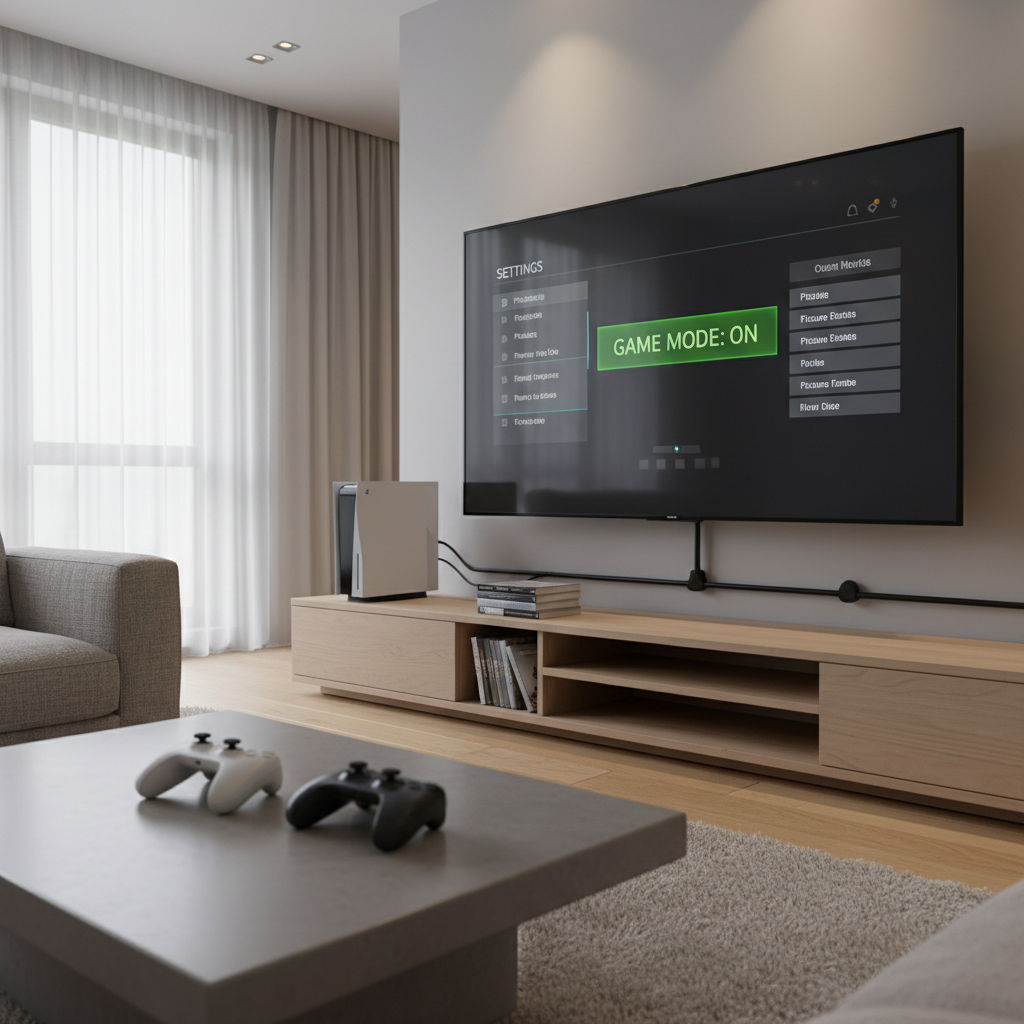
- Use Game Mode on your TV to reduce input delay.
- Increase HUD/UI scale if the game allows it, many do, but it’s buried in settings.
- Turn off heavy motion blur if it makes the small viewports feel smeary.
Reduce friction before you start
- Charge both controllers early, split-screen nights die fast when Player 2 hits 5%.
- Create/confirm console profiles so you’re not stuck in sign-in loops.
- If the game supports it, set difficulty or assists per player, not everyone wants the same intensity.
According to the Federal Trade Commission (FTC), marketing terms can vary by product and platform, so it’s smart to confirm features in the official store listing before purchasing, especially when “local multiplayer” might mean shared-screen rather than split view.
Common mistakes (that make split-screen feel “bad”)
- Assuming “local co-op” equals split-screen: check screenshots or the features list; it saves time.
- Buying for nostalgia, not readability: older split-screen designs were built for smaller TVs but different UI standards, results vary.
- Ignoring performance mode options: some games offer a performance setting that keeps the frame rate steadier in two-view play.
- Choosing a UI-heavy game for a small display: looters and RPG inventories can become squint-fests in split view.
Key takeaways you can keep on a sticky note: screen size matters more than people admit, racing is the most consistent genre for split view, and store listings need a quick double-check.
When to look for alternatives (shared-screen, online, or accessibility options)
Sometimes split-screen isn’t the right solution, even if you love the idea.
- If one player gets motion sickness or eye strain, a shared-screen co-op game might feel better, and if symptoms persist it’s reasonable to consider asking a healthcare professional.
- If your display is small, online co-op on separate devices often feels less cramped than forcing two tiny viewports.
- If you need stronger readability options, look for games with accessibility settings like larger text, high-contrast UI, and remappable controls.
There’s no “purist” award for sticking to split view. The point is two people having fun in the same room.
Practical conclusion: how to pick tonight’s game in 3 minutes
If you want the best 2 player games split screen for a typical U.S. living room, start by deciding the vibe, then pick the genre that naturally supports it.
- Want instant laughs and rematches? Pick a split-screen racer.
- Want to build something together? Pick a sandbox game with split view.
- Want a long co-op “campaign weekend”? Pick a shooter or looter shooter, but only if your screen and seating make the UI comfortable.
Action you can take now: check your TV size and seating distance, then shortlist two games from one genre, you’ll waste less time than trying to compare everything at once.
FAQ
What are the best 2 player games split screen on PS5?
Racing and a few campaign-focused shooters tend to feel the cleanest on PS5. Look for titles that mention split-screen explicitly and offer performance-focused display modes.
Are “local multiplayer” and split-screen the same thing?
Not always. “Local multiplayer” can mean shared-screen co-op, pass-and-play, or multiple controllers on one device without split view, so it’s worth checking screenshots or feature bullets.
What if split-screen looks too small on my TV?
Try increasing HUD scale, sitting closer, or switching to games with simpler UI like racers. If it still feels cramped, shared-screen co-op often solves the readability problem.
Do PCs support split-screen for two players?
Some do, but support varies a lot by game and launcher. Many PC players use local co-op for shared-screen titles more than true split view, so confirm before you buy.
What genres work best for couch split-screen?
Racing is the most consistent, then sandbox exploration. UI-heavy RPGs can still be fun, but they depend more on screen size and how often you’re in menus.
How can I confirm a game has split-screen before purchasing?
Check the official store listing, look for the words “split-screen,” and scan user-posted screenshots or the publisher FAQ. If the listing only says “local co-op,” assume nothing until verified.
If you’re trying to build a reliable “go-to” list for game nights, a small curated rotation beats a giant backlog, and if you tell me your platform, TV size, and whether you want co-op or 1v1, I can narrow this to a short set of split-screen picks that usually land well.