
Best vr racing games 2026 isn’t just a “top 10” problem, it’s a matching problem: what feels incredible in a headset can feel miserable if the game’s comfort settings, wheel support, or performance don’t fit your setup.
If you’ve ever bought a VR racer because the trailer looked perfect, then bounced off it after two races, you already know the pain points, motion sickness, blurry visuals, or a sim that demands a full rig when you only have a controller.
This guide narrows the field in a practical way, what to play based on platform, control style, and comfort tolerance, plus a quick checklist so you can choose faster and waste less money.
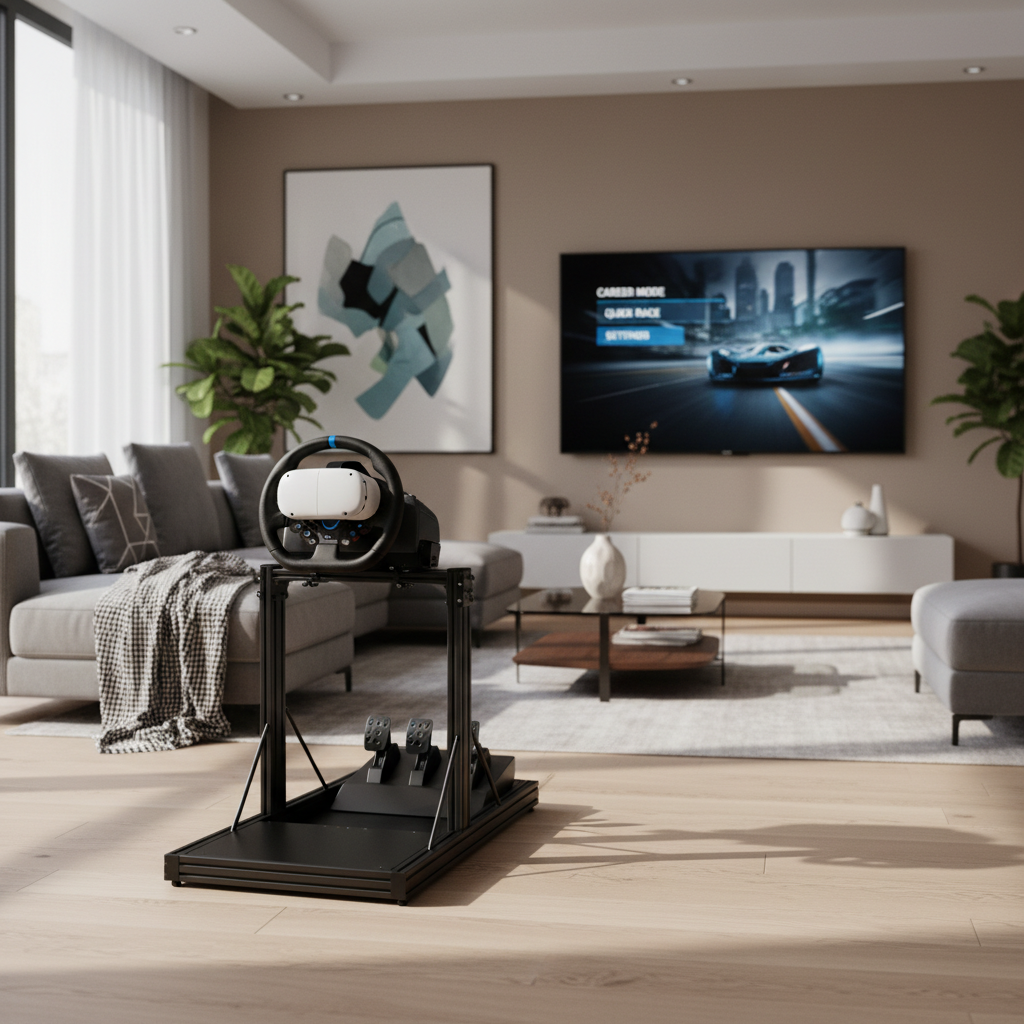
What “best” means in VR racing (it’s not one thing)
In flat-screen racing, “best” often means the most content or the most realistic physics. In VR, the winners usually nail a different trio: stable frame rate, clear depth cues, and comfort options that let you race longer than 10 minutes.
- Sim-first: realistic handling, serious tracks, wheel and pedal support, often less forgiving if your PC/console struggles.
- Arcade-first: easier handling, more spectacle, typically friendlier comfort-wise, sometimes less wheel realism.
- Hybrid: believable driving with enough assists and tuning to fit more players.
According to NHTSA, VR should never be used while operating a real vehicle; that sounds obvious, but it’s a useful reminder that the “driving” your brain feels in a headset is powerful, and comfort matters.
Quick comparison table: top VR racing picks by “fit”
Rather than pretending there’s one champion, here’s a practical snapshot. Availability and VR support can change with updates, so treat this as a shortlist to verify on your platform storefront.
| Game | Best for | Platform fit | Comfort notes | Controls |
|---|---|---|---|---|
| Gran Turismo 7 (VR mode) | Console VR immersion | PS5 + PS VR2 | Usually comfortable if you use assists | Controller or wheel |
| Assetto Corsa Competizione (VR) | Serious GT sim racing | PC VR | Can be demanding on hardware | Wheel strongly preferred |
| iRacing (VR) | Competitive online leagues | PC VR | Smoothness depends on tuning | Wheel required |
| F1 series (VR support where available) | Formula fans, career mode | PC VR (varies by entry) | Fast cornering can bother sensitive players | Controller or wheel |
| Dirt Rally 2.0 (VR) | Rally intensity | PC VR | High motion, not ideal for beginners | Wheel recommended |
| Project CARS 2 (VR) | Wide car/track variety | PC VR | Comfort varies by car class | Controller or wheel |
| Automobilista 2 (VR) | VR performance + feel | PC VR | Often praised for smooth VR | Wheel preferred |
Key takeaway: if you want the safest “wow” per dollar, prioritize titles known for consistent VR performance on your hardware, not the longest feature list.
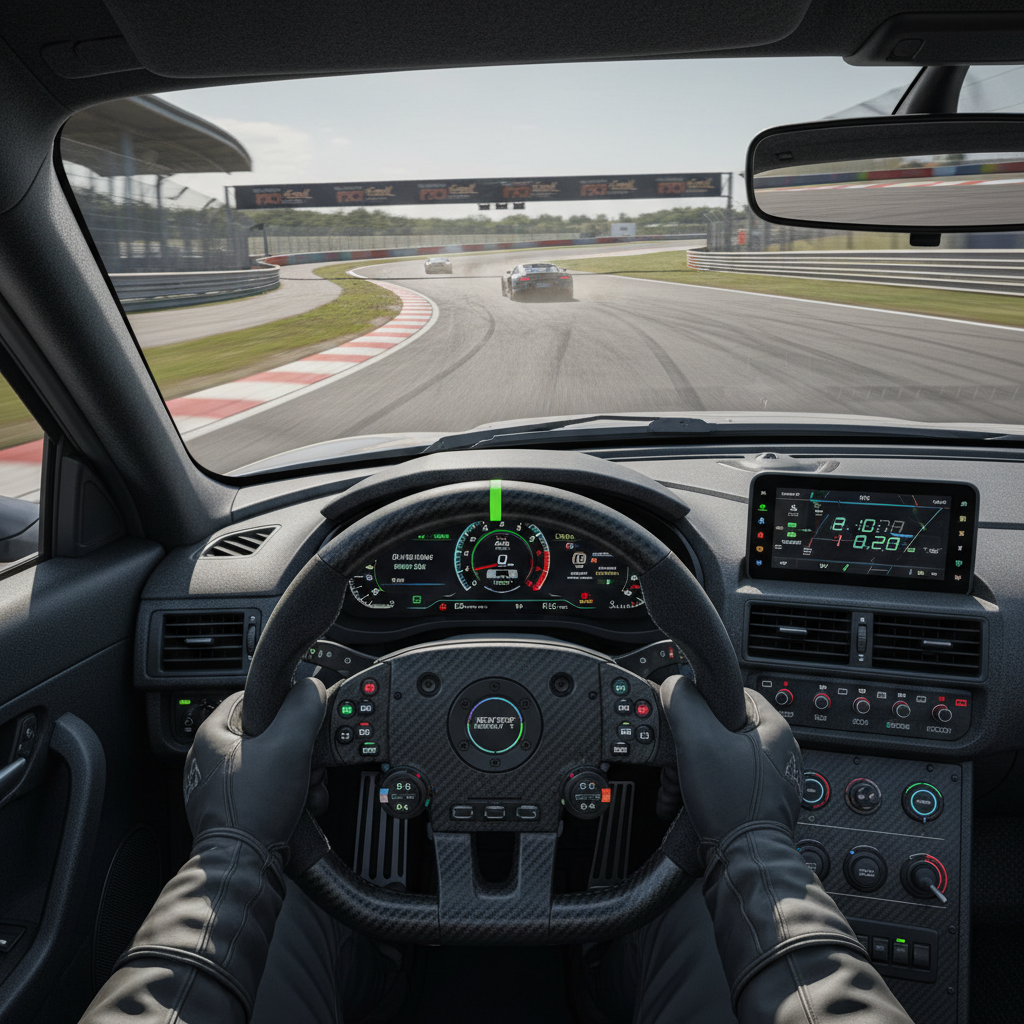
Best VR racing games 2026 by player type
If you want the “console showcase” experience
Gran Turismo 7 (VR mode) is still the easy recommendation when you want to sit down, put on a headset, and immediately feel like you’re in a real cockpit. The sense of scale and distance is the whole point of VR racing, and GT tends to deliver that without you spending a weekend tweaking settings.
- Why it works: strong cockpit presence, good onboarding, controller-friendly.
- Watch-outs: if you’re sensitive to motion, start with slower cars and use driving assists.
If you want “real sim” with modern GT cars
Assetto Corsa Competizione (VR) is for players who care about tire behavior, trail braking, and consistency. In VR it can feel incredible, but it asks more from your PC and from you. A wheel setup makes a bigger difference here than in most hybrid racers.
- Why it works: GT3/GT4 focus, serious physics, strong racecraft learning.
- Watch-outs: performance tuning matters; some rigs need compromises on visuals.
If you want structured online competition
iRacing (VR) stays a go-to for league-style racing and high-signal competition. VR can make wheel-to-wheel battles feel more readable because you judge gaps by depth instead of guessing from a flat screen.
- Why it works: matchmaking culture, licensing structure, strong VR support historically.
- Watch-outs: subscription-style costs, and it’s not built for casual drop-in fun.
If you want rally and “hold your breath” moments
Dirt Rally 2.0 (VR) remains an intense pick. In VR the elevation changes and quick corrections feel dramatic, which is also why it can be rough if you’re prone to nausea.
- Why it works: pure adrenaline, stages feel tall and fast in a headset.
- Watch-outs: take breaks, lower head movement, and use comfort settings.
If you want a VR-friendly sim that runs smoother on more PCs
Automobilista 2 (VR) often gets recommended for the balance of driving feel and VR performance. Not everyone loves every car class, but as a “VR sim you actually use weekly,” it lands for a lot of players.
- Why it works: strong VR smoothness, broad content, good sense of grip.
- Watch-outs: content focus differs from mainstream series, check if your favorite disciplines are covered.
Self-check: pick your lane before you buy
This sounds basic, but it prevents most regret purchases. Answer these honestly and your “best vr racing games 2026” list gets much shorter.
- Your platform: PS5 + PS VR2, or PC VR, or standalone headset streaming to PC.
- Your control style: controller-only, wheel and pedals, or “eventually wheel.”
- Your comfort level: fine with rollercoasters, or you need gentle acceleration and fewer rapid rotations.
- Your time: 20-minute sessions or multi-hour stints.
- Your patience for settings: you’ll tweak graphics and supersampling, or you want plug-and-play.
Rule of thumb: if you’re new to VR racing, start with a title that supports assists and stable performance, then move toward hardcore sims after you’ve built your “VR legs.”
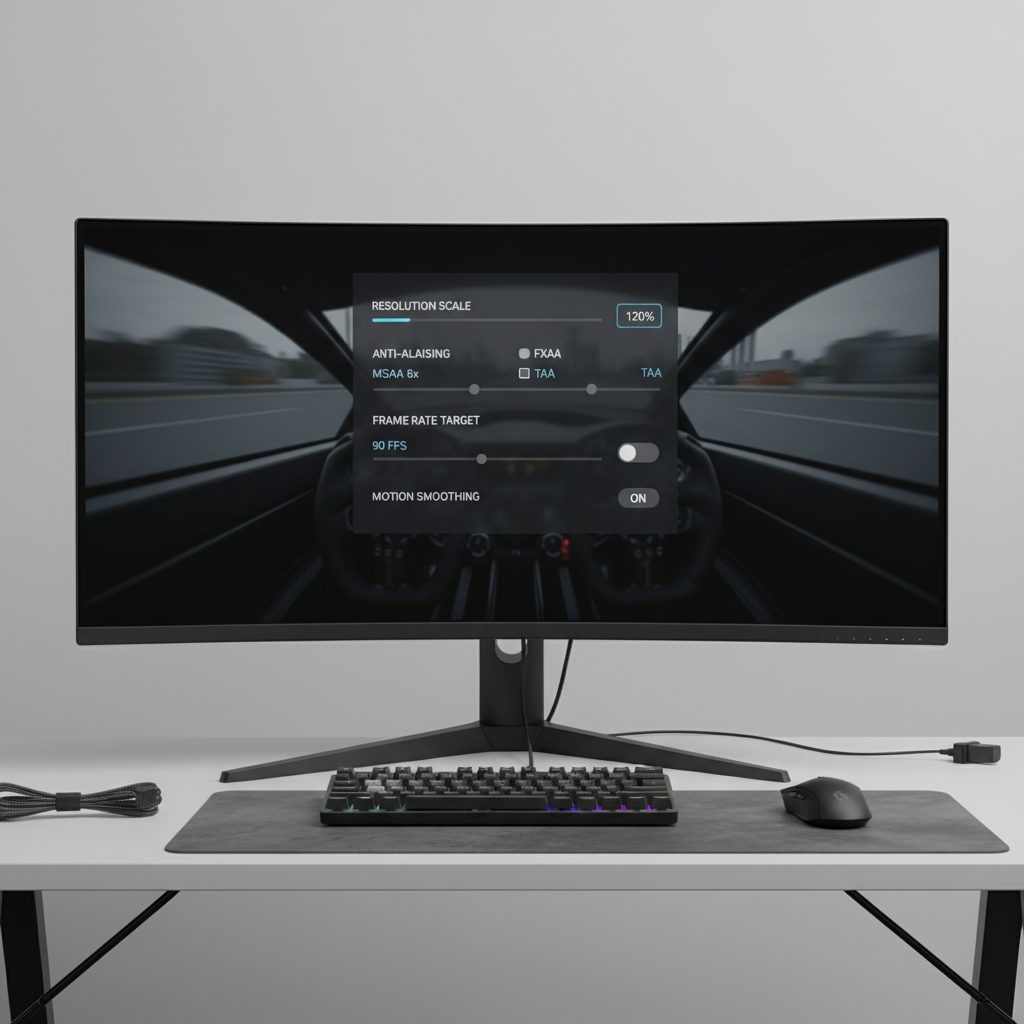
Practical setup tips that improve almost every VR racer
You can buy the “right” game and still have a bad night if your setup fights you. These adjustments usually deliver the biggest comfort and clarity gains.
Dial performance before dialing visuals
- Prioritize a stable frame rate over ultra shadows or max reflections.
- Use in-game resolution scaling carefully; too low looks mushy, too high triggers stutter.
- If your headset/platform supports motion smoothing, test it both on and off.
Make the cockpit readable
- Set your seat position so mirrors and apex markers feel natural, not stretched.
- Reduce HUD clutter; in VR, less overlay often feels more “real” and less distracting.
- Consider a slightly wider FOV setting if your title offers it, but don’t sacrifice comfort.
Controller vs wheel: avoid the common trap
A controller can be great in VR if the game’s steering assist and throttle curves are tuned for it. Where people get stuck is buying a sim that assumes a wheel, then blaming VR for the awkwardness.
- If you’re on controller, pick games with strong assists and predictable handling.
- If you have a wheel, set force feedback so it communicates grip loss without shaking you to death.
Comfort and safety: how to race longer without feeling awful
Motion comfort in VR varies by person, and it can vary by day. If you feel nausea, eyestrain, or headaches, take it seriously and back off. According to CDC, dizziness and balance issues can increase risk of falls, and VR can contribute for some people, so keep your play area clear and take breaks.
- Start slow: pick slower cars and wider tracks until your brain adapts.
- Use comfort tools: reduce camera shake, avoid aggressive head bob, enable stability options.
- Short sessions: 10–15 minutes, then reassess, especially if you’re new.
- Stop early: pushing through nausea often makes the next session worse.
If you have a medical condition that affects balance, vision, or migraines, it may help to consult a healthcare professional before long VR sessions.
Common mistakes when shopping VR racing in 2026
- Buying on hype, not hardware: some sims need real GPU headroom for clean VR.
- Ignoring input support: not every game treats wheels, shifters, and handbrakes equally.
- Assuming “VR support” means “good VR”: VR can be present but poorly optimized or missing key comfort settings.
- Overlooking your play style: if you love career progression, a hotlap-focused sim may feel empty.
Conclusion: how to choose your next VR racer
The best vr racing games 2026 list that matters is the one that fits your platform, your tolerance for tweaking, and how you actually drive. If you want a polished showcase, lean toward console-friendly VR experiences; if you want competitive depth, pick a sim built for wheels and structured racing.
Action steps that usually work: make a shortlist of two games, verify VR support and recent user notes on your storefront, then commit to one and spend your first week optimizing comfort and performance before chasing lap times.