
Best vr gaming chair 2026 is less about a flashy seat and more about staying comfortable, stable, and safe when your eyes say “move” but your body sits still.
If your current chair squeaks, wobbles, or forces you into a slouch, VR sessions can turn into neck tension, lower-back fatigue, or that subtle nausea that makes you quit early. A better chair won’t fix every comfort issue, but it can remove the obvious friction: poor posture, awkward arm placement, and the constant micro-adjusting that breaks immersion.
This guide focuses on how to pick a VR-friendly chair in 2026, what specs actually matter, what to ignore, and how to set it up for room-scale or seated VR. I’ll also call out common marketing traps, because “gaming chair” labels can be… generous.
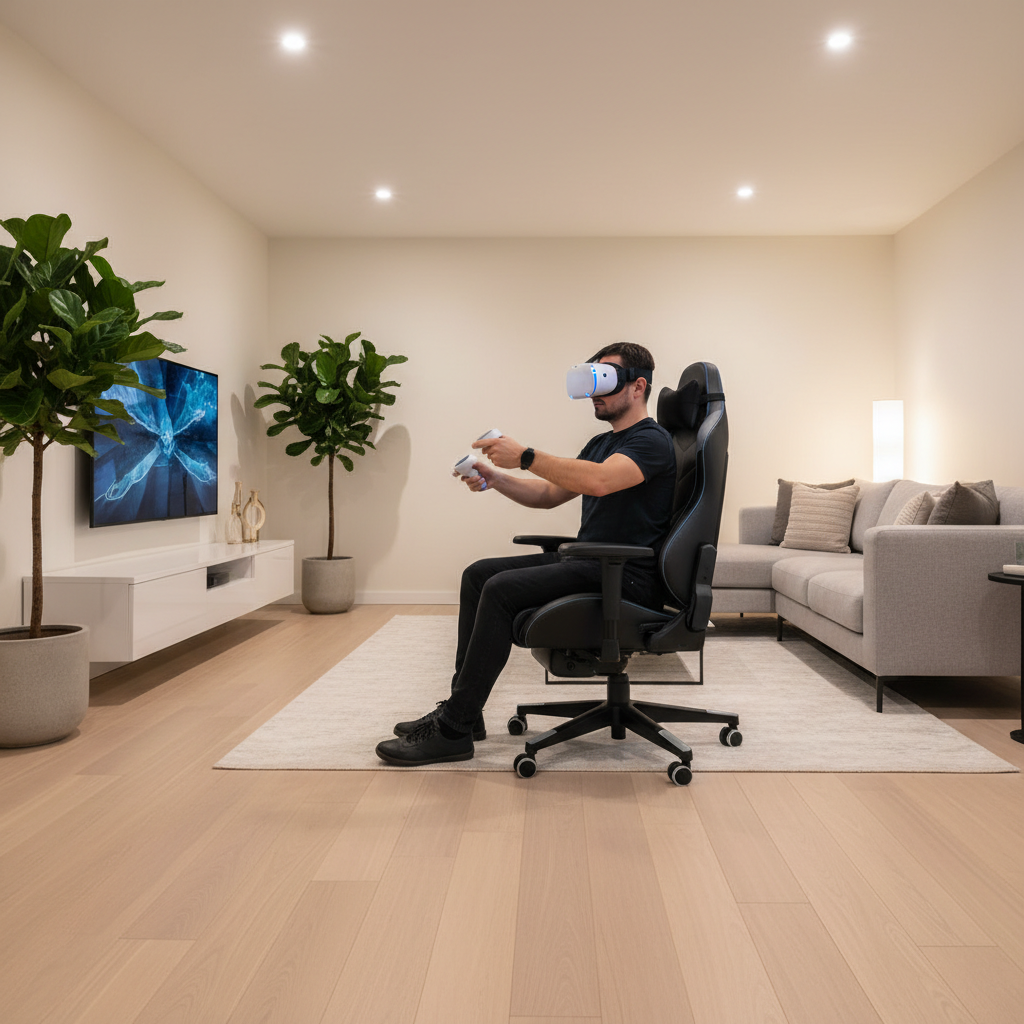
What makes a chair “VR-friendly” (not just “gaming”)
A VR chair works when it supports your body while staying predictable in motion. In practice, that usually means fewer surprise swivels, better lumbar support, and armrests that don’t fight your controllers.
- Stability first: a solid base, quality casters, and no “tippy” feeling when you lean or twist.
- Controlled rotation: swivel can be helpful for cockpit games, but it needs consistent resistance. Too loose and you drift; too stiff and you strain.
- Armrest behavior: ideally adjustable down/out of the way, or removable. Many people end up bumping armrests during beatsaber-style swings.
- Breathable contact points: long sessions plus a headset can run warm, mesh or perforated materials often feel better than slick PU leather.
- Posture support that fits you: lumbar support at the right height, not just a pillow that migrates after 20 minutes.
According to OSHA, good seated ergonomics generally aim to keep feet supported, thighs roughly parallel to the floor, and the lower back supported to reduce strain over time. That doesn’t “solve” VR comfort, but it’s the baseline your chair should meet.
Quick comparison table: chair types that work well for VR in 2026
Instead of chasing one “winner,” it’s more useful to match chair type to how you play. Here’s a practical overview you can use before narrowing brands and models.
| Chair type | Best for | Pros | Trade-offs |
|---|---|---|---|
| Ergonomic office chair (mesh) | Long seated VR, PCVR sims | Breathable, posture-friendly, usually quieter | Armrests may limit wide swings unless adjustable |
| “Racing-style” gaming chair | Shorter sessions, console VR | Recline range, padded feel, often affordable | Side bolsters can restrict movement, heat build-up |
| Armless task chair / stool | Active seated VR, boxing/rhythm | Maximum controller freedom | Less back support, can fatigue you faster |
| Rocking floor chair | Casual VR, small rooms | Low center of gravity, no wheels | Harder to stand up repeatedly, limited adjustability |
| Sim/cockpit seat (fixed frame) | Racing/flight VR rigs | Ultra stable, great immersion | Takes space, not flexible for other uses |
How to tell if you need a VR chair upgrade (fast self-check)
If you’re unsure whether “best vr gaming chair 2026” applies to you, run this quick checklist. If you hit two or more, your chair is probably the bottleneck.
- You feel lower-back pressure within 30–45 minutes, even when you try to sit upright.
- You keep re-centering in-game because your chair slowly rotates or rolls.
- Your armrests collide with controllers, forcing you to change your swing path.
- You notice neck tension because you crane forward to “find” comfort.
- The chair creaks, rocks, or feels unstable when you lean and look around.
- You sweat noticeably at contact points (back/seat) during longer VR sessions.
One more honest signal: if you avoid seated VR because “it’s never comfortable,” that’s often a chair geometry problem, not a headset problem.
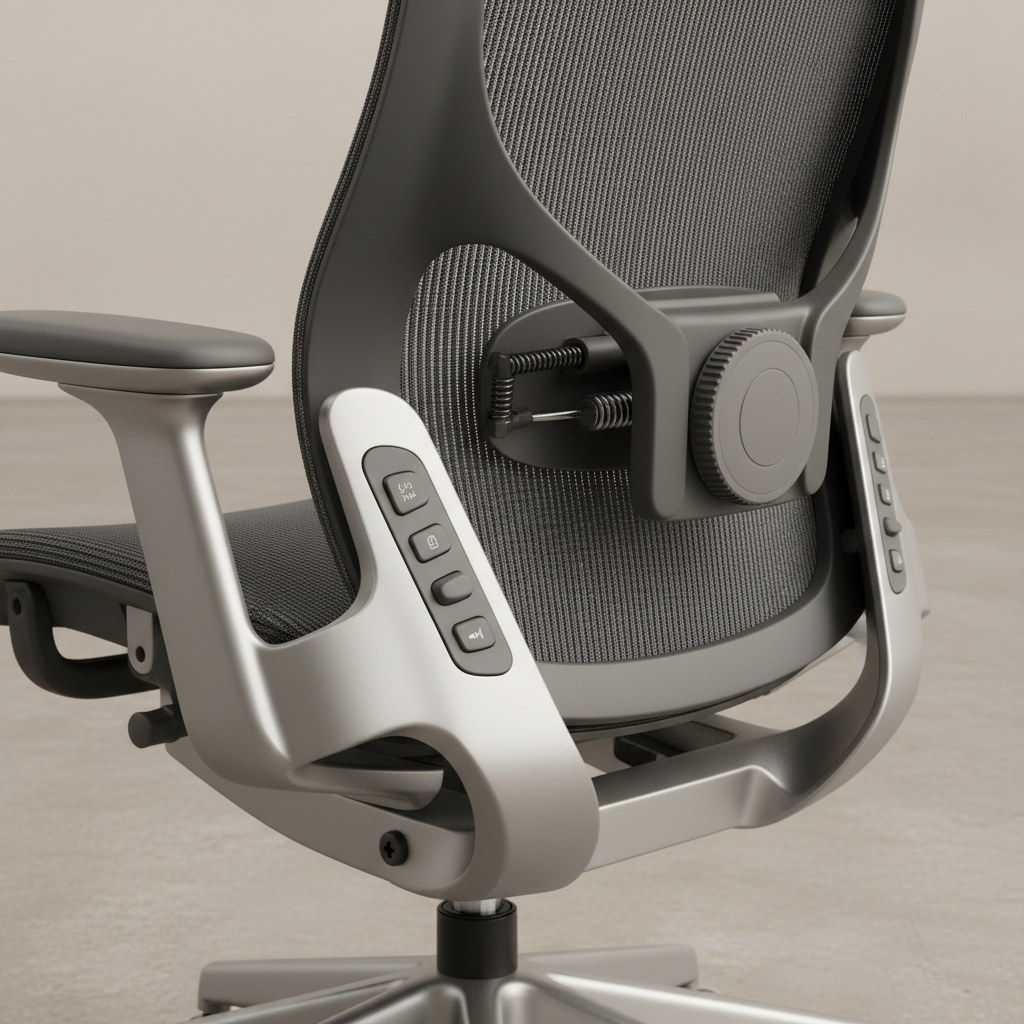
Key features to prioritize (and what’s mostly hype)
Specs matter in VR, but only a few move the needle. Here’s what I’d prioritize before you compare brand names.
High-impact features
- Seat height range: you want feet flat and knees near 90 degrees. Too high and you slide forward; too low and your hips tuck under.
- Lumbar support (adjustable): ideally height + depth. A fixed pillow can work, but it’s less consistent.
- Armrests: down/out/removable: for many users, armrests are either perfectly positioned or constantly in the way. No middle ground.
- Stable base + quality casters: smooth rolling is good, uncontrolled rolling is not. For VR, predictable friction wins.
- Quiet hardware: squeaks are immersion killers, and they often signal cheaper joints that loosen over time.
Nice-to-have (depends on your games)
- Swivel tension control: great for cockpit titles, optional for rhythm games where you prefer a fixed orientation.
- Recline with lock: helpful for cinema mode, social VR lounging, or breaks between matches.
- Headrest: good for rest, but some players dislike it because it can nudge headset straps during leaning back.
Common hype traps
- Oversized side bolsters: they look “sporty,” but can restrict torso twist, which you do a lot in VR.
- “Massage” or aggressive vibration: fun for a week, sometimes annoying long-term, and can add noise. If you’re motion-sensitive, this may not help.
- PU leather everywhere: easy to wipe, but can run hot. Mesh or hybrid upholstery often feels better for long VR sessions.
Choosing the right chair by VR scenario
The best vr gaming chair 2026 for you depends on whether you sit still, rotate a lot, or repeatedly stand up and sit down.
1) Seated cockpit games (racing, flight, space sims)
- Look for stable swivel with adjustable resistance or a fixed seat if you use pedals/joystick.
- Prioritize lumbar support and a seat that doesn’t pinch thighs.
- If you use a wheel stand or HOTAS, consider a fixed-frame cockpit for maximum consistency.
2) Rhythm and active seated VR (boxing, fitness-lite)
- Go armless or armrests that drop low enough to vanish.
- A slightly firmer seat helps with rapid movement, too-soft foam can feel unstable.
- Consider a chair mat if casters roll during punch combos.
3) Mixed use: work chair by day, VR chair at night
- An ergonomic office chair often wins here, especially mesh-back models.
- Make sure armrests can adjust inward/outward, not just up/down.
- Check that your headset strap doesn’t collide with tall headrests.
Setup steps that make almost any chair feel better in VR
Before you buy anything, try these. Many comfort complaints come from setup mismatches, not a “bad chair.”
- Set seat height so feet are flat and weight distributes across the whole foot, not toes.
- Dial in lumbar so it supports the curve above your hips, not mid-back. If you feel pushed forward aggressively, back it off.
- Move armrests out of your swing path. If they don’t adjust enough, lower them fully or remove if possible.
- Add predictable friction: a chair mat, a low-pile rug, or swapping to grippier casters can reduce unwanted rolling.
- Re-center your play space around the chair so you’re not constantly twisting to face sensors or the TV.
According to the American Academy of Orthopaedic Surgeons (AAOS), neutral posture and supportive seating can help reduce musculoskeletal strain during prolonged sitting. If you have chronic pain, it’s smart to treat chair changes as “comfort support,” not medical treatment, and consider asking a clinician or physical therapist for personalized advice.
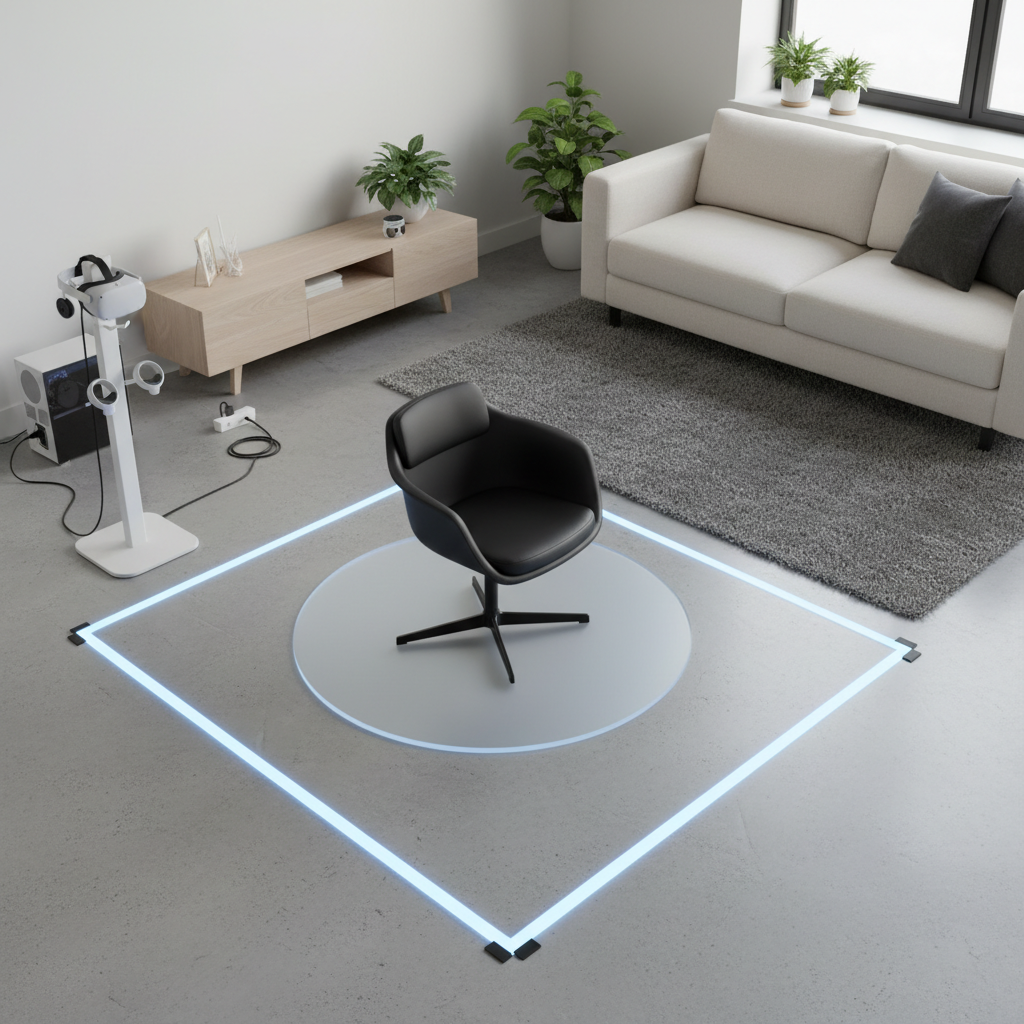
Safety and comfort notes people skip (but shouldn’t)
VR comfort is tied to safety more than people admit. A chair that moves unexpectedly can increase falls when you stand up quickly, and pressure points can make you shift in ways that worsen nausea.
- Lock or limit rolling if you do frequent sit-stand transitions. If your chair has no lock, use a mat or stationary glides.
- Watch for circulation issues: numb legs or tingling often means seat edge pressure or wrong height.
- Motion sensitivity varies: if you’re prone to VR sickness, a stable chair and consistent body position may help, but results differ by person and game locomotion settings.
- Don’t ignore persistent pain: discomfort after a long session is common, sharp pain is not. If symptoms persist, consult a qualified professional.
Conclusion: how to pick the best VR gaming chair for you in 2026
If you’re shopping for the best vr gaming chair 2026, pick for stability, adjustability, and controller freedom before you pay for aesthetics. For many people, a solid ergonomic office chair beats a “racing” chair simply because it supports posture and stays comfortable longer.
Your next step is simple: decide your main VR scenario, run the self-check above, then shortlist chairs that meet the high-impact features. If possible, buy from a retailer with an easy return window, because fit is personal and VR movement makes fit issues show up fast.